On paper, Universal Links and App Links are 'just' verified deep links served from your domain. In practice, a remarkable share of production apps have at least one of them silently broken — usually because of a MIME type, a stale AASA cache, or an over-eager web router that catches the URL before the OS can.
What is the difference between App Links and Universal Links?
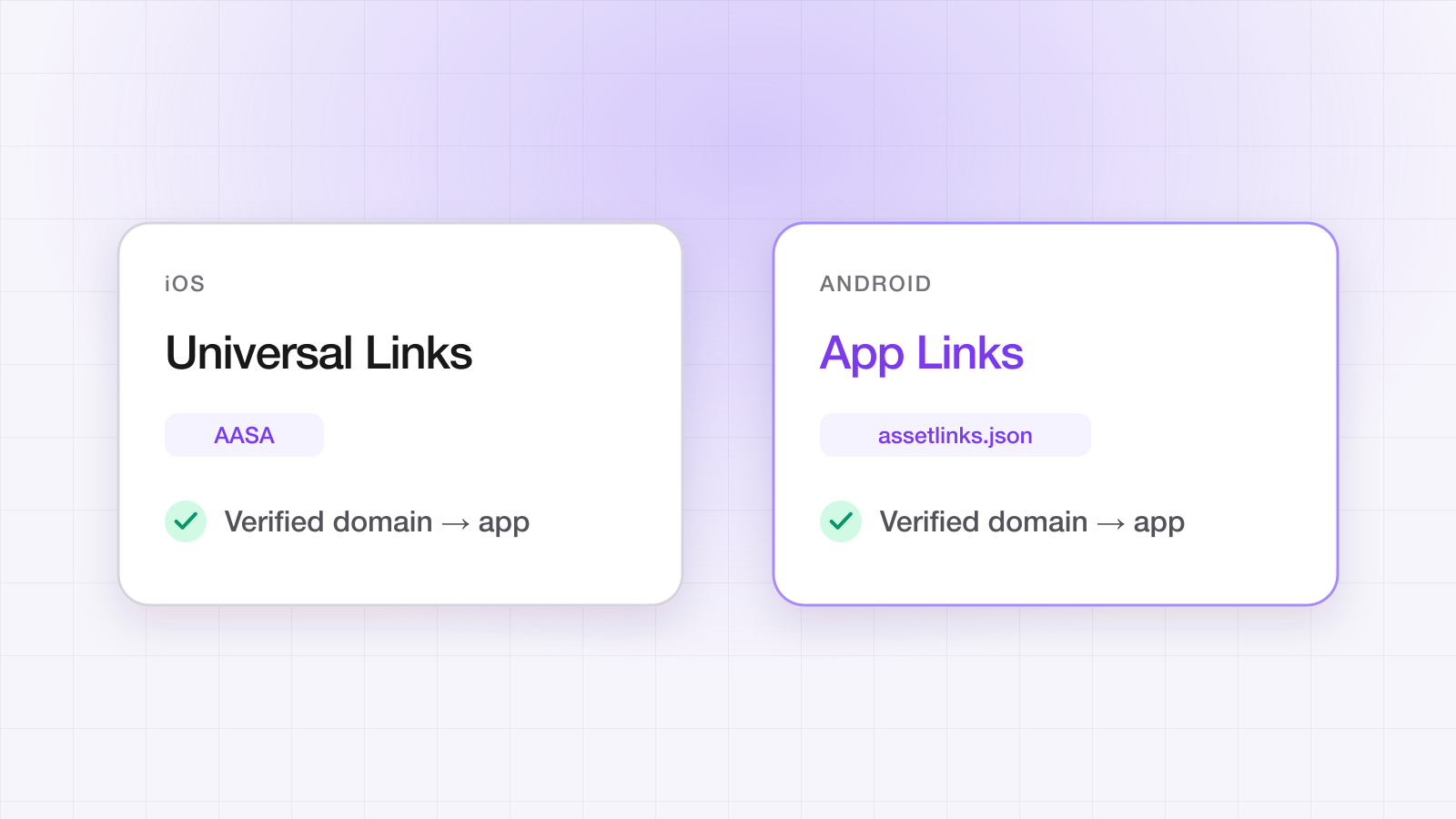
They are the same idea in two vocabularies. Universal Links are Apple's mechanism: an apple-app-site-association (AASA) file on your domain plus an Associated Domains entitlement in the app. App Links are Google's: an assetlinks.json file plus an autoVerify intent filter in the manifest. Both prove that the domain and the app belong to the same owner, and both fall back to the browser when anything is off.
| Universal Links (iOS) | App Links (Android) | |
|---|---|---|
| Association file | /.well-known/apple-app-site-association | /.well-known/assetlinks.json |
| App-side declaration | Associated Domains entitlement (applinks:) | intent-filter with android:autoVerify="true" |
| Identity proved by | Team ID + bundle ID | Package name + SHA-256 signing fingerprints |
| When verification runs | At install, fetched by Apple's CDN | At install, via Google's Digital Asset Links crawl |
| Failure mode | Opens Safari, silently | Opens the browser or a chooser, silently |
How does the OS actually verify your domain?
Neither platform fetches your association file from the device at the moment the link is tapped. Both resolve it ahead of time, which is why fixes appear to do nothing for hours. iOS retrieves the AASA through an Apple-operated CDN, so Apple's cached copy — not yours — is what the device sees. Android relies on Google crawling your assetlinks.json and caching the result, then stamps a per-device verdict at install time.
The practical consequence is that both platforms have two caches between your fix and a working link: the platform's, and the device's. Correcting the file and reloading it in a browser proves nothing about either. On Android you can force the device-side re-check; on iOS a delete-and-reinstall is usually the fastest reliable path, and a development build with the applinks: entitlement in developer mode bypasses the CDN entirely.
The five-step checklist that catches 90% of bugs
- Serve apple-app-site-association from https://yourapp.linktrail.io/.well-known/apple-app-site-association as application/json. No redirects. No content negotiation. No subdomain forwarding.
- Serve assetlinks.json from https://yourapp.linktrail.io/.well-known/assetlinks.json. Include every package signature you ship under, including debug.
- Add the appropriate intent filter (Android) and associated domain entitlement (iOS). One typo and the OS silently fails open.
- Test on a fresh install, in a fresh browser, with the app force-quit. 'Works on my device' is a function of stale caches.
- Have a scheme-fallback path. If the OS doesn't intercept the URL, your web page should detect mobile and route to a custom scheme — LinkTrail handles this for you out of the box.
Why do my Universal Links open Safari instead of the app?
Almost always because the AASA never validated, and iOS gives you no error when it doesn't. Work through these in order — the first two account for most cases:
- The file is served as text/plain or text/html. It must be application/json, and it must have no .json extension in the path.
- There is a redirect in the way. Apple follows no redirects for the AASA — not http to https, not apex to www, not a trailing-slash normalisation.
- The Associated Domains entitlement is missing from the build you actually installed, or lists a different host than the link uses. A TestFlight build and a local build can differ here.
- The app ID prefix in the file is the Team ID, not the App ID prefix — they differ for apps migrated between teams.
- The user long-pressed and chose Open, or previously tapped the breadcrumb back to Safari. iOS remembers that per-domain choice and keeps honouring it.
- The link was tapped somewhere that never hands off to the OS — some in-app browsers and messaging clients resolve URLs internally.
Why do my App Links open the browser instead of the app?
On Android the single most common cause is a signing fingerprint that isn't in assetlinks.json. You ship under more keys than you think: Play App Signing re-signs your upload with Google's key, sideloaded builds carry your upload key, and every developer machine has its own debug key. If the fingerprint on the device isn't listed, verification fails and the link opens the browser.
The rest are usually structural: autoVerify missing from the intent filter, the intent filter declaring only http when your links are https, a host mismatch between the manifest and the link, or a device that cached a failed verdict at install time and has never re-checked.
How do I test App Links and Universal Links properly?
Test on a clean install, from a context that hands the URL to the OS, with the app force-quit. A device that has already seen your domain will tell you what it cached, not what your file says. On Android you can inspect and force the verdict directly, which makes it the faster platform to debug:
# What does the device think of your domain?
adb shell pm get-app-links <your.package.name>

# Force a re-verification after fixing assetlinks.json
adb shell pm verify-app-links --re-verify <your.package.name>

# Confirm your AASA is served correctly (no redirects, right MIME type)
curl -sIL https://yourapp.linktrail.io/.well-known/apple-app-site-association \
  | grep -iE 'HTTP/|content-type'
# Expect: a single 200, and content-type: application/json
If pm get-app-links reports verified, your assetlinks.json is fine and the bug is elsewhere in your routing. If it reports a failure, Google's crawl or your fingerprint list is the problem, and no amount of app code will fix it. The rest of the pre-release routine — deferred links, in-app browsers, the settings that fail silently — is in how to test deep links before you ship.
Do Universal Links and App Links work after an install?
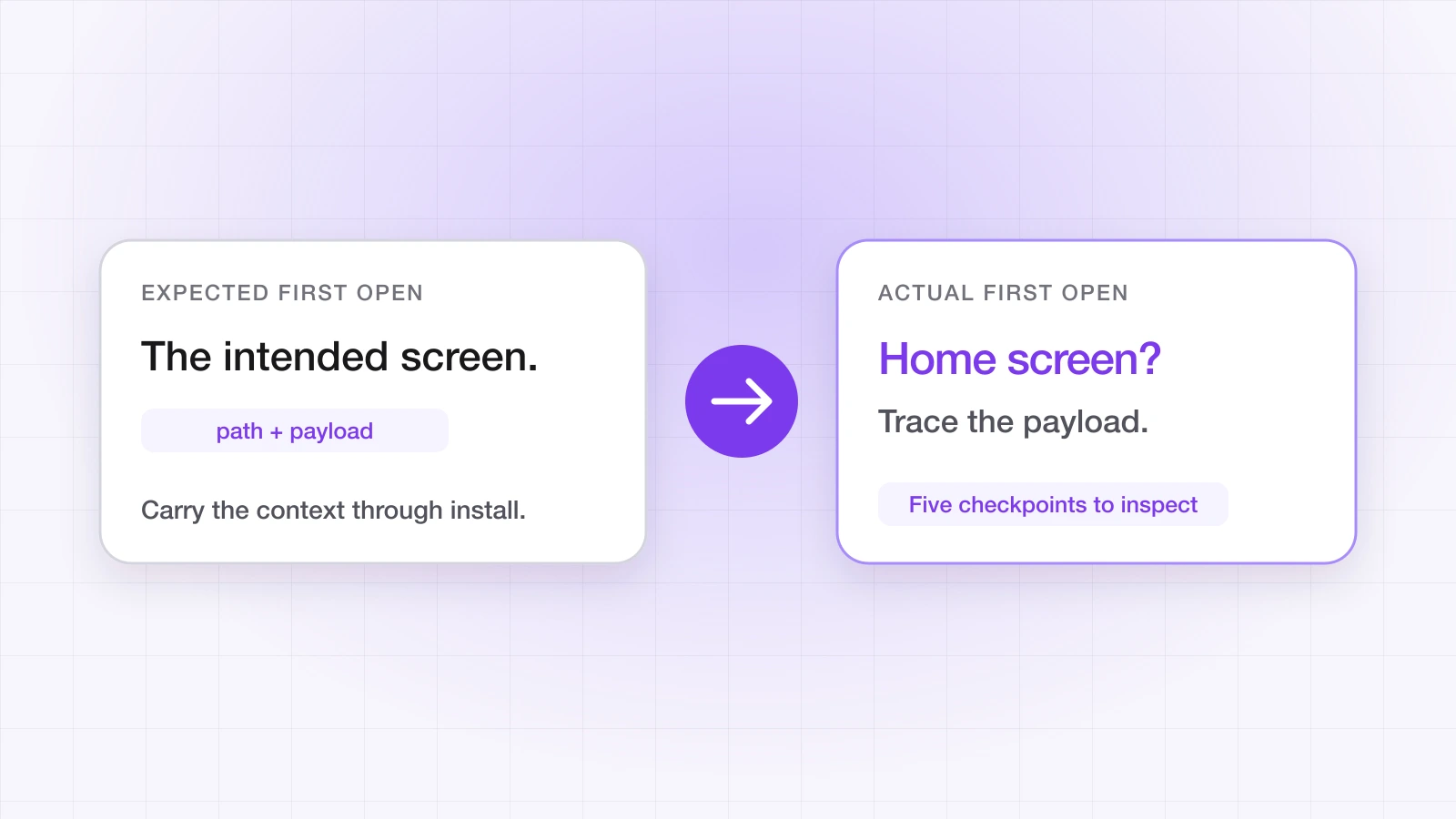
No, and this is the single most-missed limitation. Both mechanisms only work when the app is already installed. Tap a link without the app, and the store strips the URL entirely — the user installs, opens, and lands on your home screen with no memory of what they tapped. Carrying that context through the install is deferred deep linking, and it needs a server that saw both the click and the first open. We cover the mechanics in why deferred deep linking still matters.
What LinkTrail handles for you
We serve AASA and assetlinks.json from your custom short domain with the correct MIME type and no redirects, regenerate them when you add a bundle ID or a signing fingerprint, and ship a smart fallback page so URLs the OS doesn't intercept still route through a custom scheme. You configure the domain and the bundle IDs once. You can check any domain's association files right now with our free Universal Links validator — no signup. Shipping several bundle IDs or build variants? See managing link verification across multiple apps.