A single app with one bundle ID and one signing key is the easy case for Universal Links and App Links. Real products outgrow that fast: a white-label build, a staging app, a debug variant, an acquisition that adds a second package. Every one of those needs to appear in your association files, correctly, or links silently stop opening the app. And when the second app is one you promote from inside the first, opening it is only half the job — the install should carry context too, which is what cross-promotion covers.
When one appID isn't enough
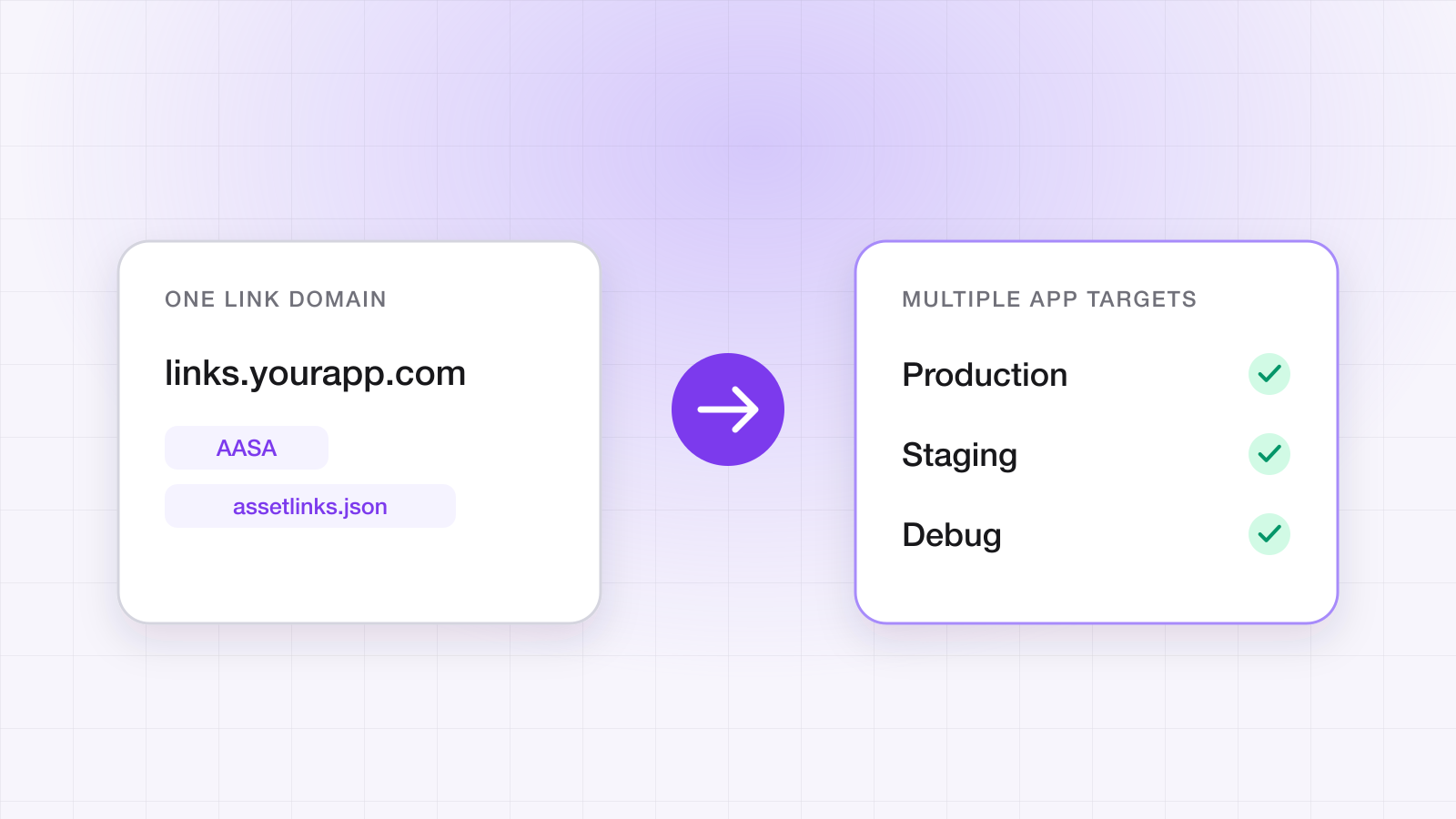
The moment you ship more than one build that should open the same links, your AASA needs multiple appIDs and your assetlinks.json needs multiple targets. Miss one and that build falls back to the browser with no error — the worst kind of failure, because it looks fine in QA on the build you remembered to add.
{
  "applinks": {
    "details": [
      {
        "appIDs": [
          "TEAMID.com.example.app",
          "TEAMID.com.example.app.staging"
        ],
        "components": [{ "/": "/l/*" }]
      }
    ]
  }
}
Android is the same story: one object per package, and crucially one fingerprint per signing key — debug and release are different keys, so both belong in the list while you're still sideloading test builds.
[
  {
    "relation": ["delegate_permission/common.handle_all_urls"],
    "target": {
      "namespace": "android_app",
      "package_name": "com.example.app",
      "sha256_cert_fingerprints": ["AA:BB:...debug", "CC:DD:...release"]
    }
  }
]
Which signing fingerprints do I actually need?
More than you think, and a missing one is the single most common reason App Links open the browser. You ship under a different key in almost every distribution path, and each of those keys needs its SHA-256 fingerprint listed in assetlinks.json.
| Build path | Signed by | Needed in assetlinks.json? |
|---|---|---|
| Play Store (Play App Signing) | Google's app signing key | Yes — this is the one people miss |
| Play internal testing | Google's app signing key | Covered by the above |
| Sideloaded release APK | Your upload key | Yes, while you distribute builds directly |
| Local debug build | Each machine's debug key | Yes, if you test App Links on debug builds |
| Firebase App Distribution | Whichever key built it | Yes, matching that key |
The Play App Signing row is the trap. You upload an APK signed with your key, Google re-signs it with theirs, and the fingerprint on a user's device is one you have never seen locally. Take it from the Play Console's app signing page, not from your keystore — and if links work on your sideloaded build but not from the store, this is almost certainly why.
How do you handle staging without breaking production?
Give staging its own link domain rather than sharing production's. It is tempting to add the staging bundle ID to the production AASA and be done, but that means a staging build on any device will claim production links — and on Android, whichever verified app is installed can intercept them.
A separate domain per environment keeps the blast radius contained, makes the association files easy to reason about, and means a mistake in staging config cannot take down real user links. Do add every environment's bundle ID and fingerprint to its own domain, though, or your QA builds fail in ways that look like product bugs.
Regenerate, don't hand-edit
The failure mode is always a stale, hand-maintained file. Treat the association files as generated artifacts keyed off your registered bundle IDs and signing certs, so adding a build target updates them automatically. A managed link domain does this for you and serves both files with the correct content type and no redirects.
Verify it's actually live
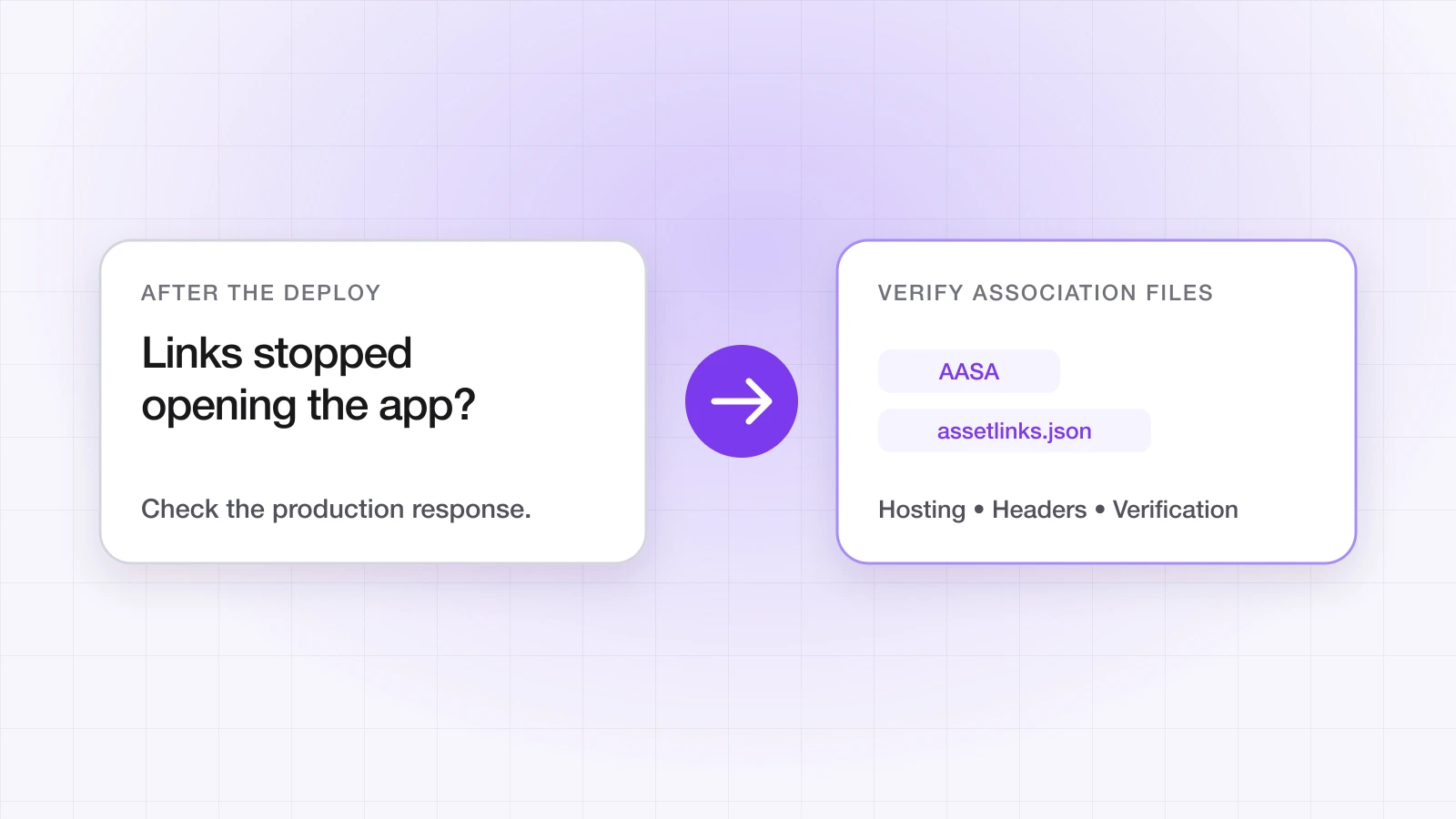
Trust nothing until you've checked the wire — our free Universal Links validator fetches both association files for any domain and flags the classic mistakes. The two failures that bite hardest are a wrong Content-Type on the extension-less AASA and a redirect in front of it — Apple's fetch follows neither. Debugging AASA and assetlinks.json in production covers each failure and its command.
curl -sI https://yourapp.linktrail.io/.well-known/apple-app-site-association | grep -i content-type
# Expect: content-type: application/json

adb shell pm verify-app-links --re-verify com.example.app“A deep link that opens the browser doesn't throw an error. That's exactly why it survives to production.”
Questions about this post
Which signing fingerprints do I need in assetlinks.json?
One for every key your builds are signed with: Google's app signing key for Play Store installs (take it from the Play Console, not your keystore), your upload key for sideloaded release builds, each debug key if you test App Links on debug builds, and whichever key signs Firebase App Distribution builds.
How do you handle staging without breaking production links?
Give staging its own link domain rather than adding its bundle ID to production's AASA — otherwise a staging build can claim production links, and on Android whichever verified app is installed can intercept them.
Why do links work on my build but not from the Play Store?
Almost always because the Play App Signing fingerprint is missing. Google re-signs your upload with its own key, so the fingerprint on a user's device is one you've never seen locally.