It has been five years since Apple shipped App Tracking Transparency. The 'we'll know more in six months' phase is long over. What we know now is that mobile attribution lives on a probability spectrum — and the teams that ship best treat that spectrum as a feature, not a problem to wish away.
How does mobile attribution work without the IDFA?
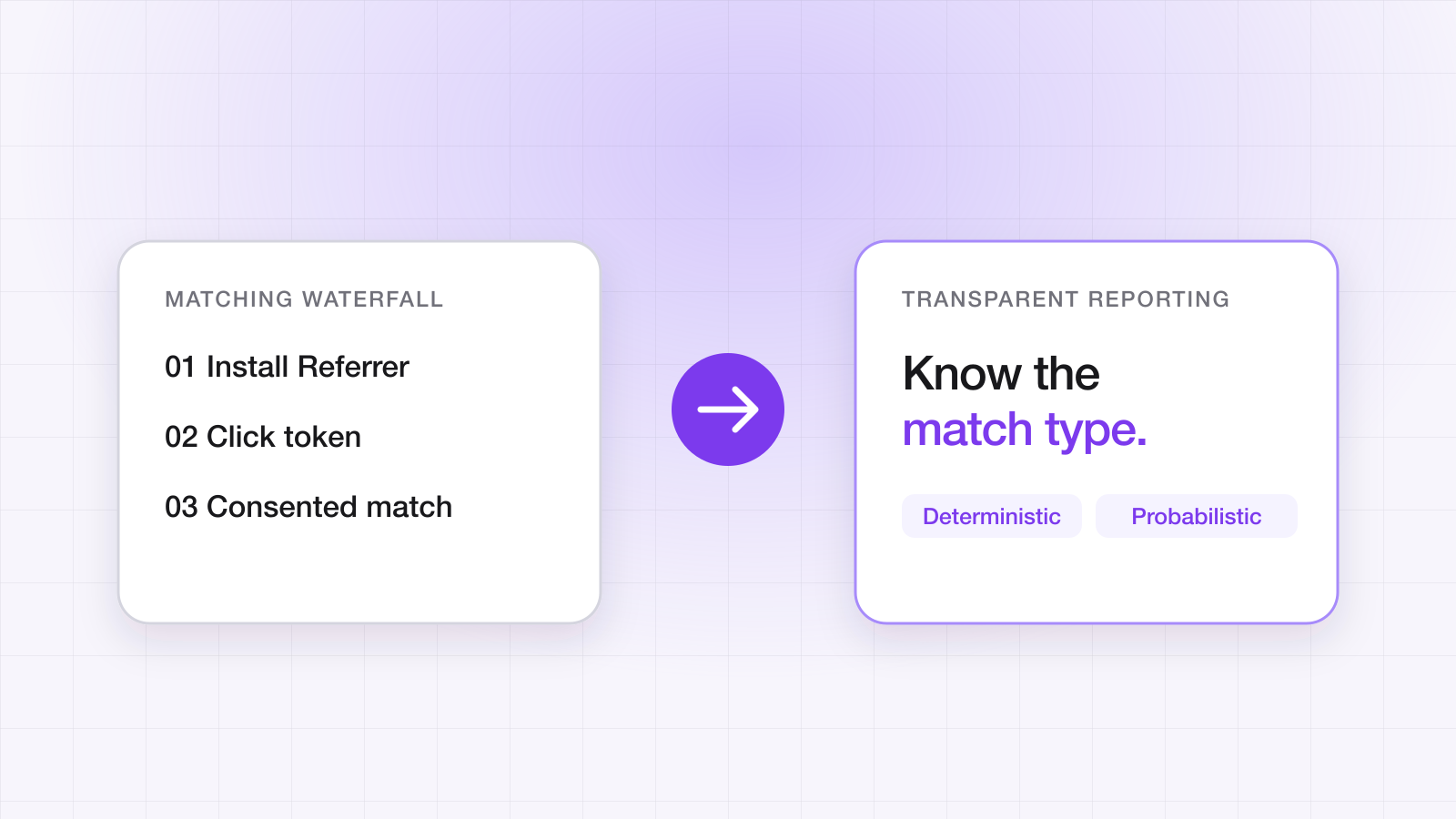
Through a waterfall of weaker signals, each covering a different slice of traffic. Deterministic identifiers passed straight through the store come first; where none exists, a deferred click token is used; where that fails, matching becomes probabilistic and should be scored rather than asserted. Apple's SKAdNetwork and AdAttributionKit run alongside all of it, reporting aggregated results for paid iOS network spend.
The short version is that no single mechanism replaced the IDFA, and anyone claiming otherwise is selling modelled numbers as measured ones. What replaced it is a stack, and knowing which layer produced each install is the difference between a report you can act on and one you can only believe.
A waterfall, not a single signal
The most common mistake is treating attribution as a single check: 'did we match this install or not?' Real systems run a waterfall. Each layer is more accurate than the one below it, and each layer catches a different slice of users.
- Google Play Install Referrer — deterministic, free, Android-only. If you ship on Android and don't use this, fix that first.
- IDFA match — deterministic on iOS, but only for the ~20% of users who grant ATT.
- GAID match — deterministic on Android, when the user hasn't opted out of ad personalization.
- Multi-signal fingerprint — probabilistic. IP, User-Agent, screen dimensions, timezone, and locale, weighted and scored against a confidence floor.
- Organic — no match. Stop trying to force one.
That's the full industry menu — worth knowing even though you don't need all of it, and worth being clear that it is not a description of LinkTrail. Our own waterfall runs the Play Install Referrer, a deferred click token, and an optional consent-gated probabilistic layer that compares the IP address and platform only, with a binary result and no score. We never read the IDFA or GAID, and attribution works fine without them. Our methodology page documents exactly what we compare.
Each layer should fall through to the next, and the install record should carry the match type with it. 'How did we attribute this?' is a question your analytics tools should be able to answer at query time. (Our attribution guide covers how LinkTrail records a match type of deterministic, probabilistic or none on every install — the match itself is binary, so there is no score to expose.)
Score, don't binary-match
Fingerprint attribution works. What does not work is treating it as a yes/no. Weight your signals, score the match, and publish the score alongside the install.
// Recommended starting weights
const weights = {
  ip: 0.40,
  userAgent: 0.25,
  screen: 0.15,
  timezone: 0.10,
  locale: 0.10,
};
const score = weighted(click, install, weights);
if (score >= 0.6) attribute({ matchType: 'fingerprint', score });
Why a floor of 0.6 and not 0.5? Because the cost of falsely attributing an organic install is much higher than the cost of conservatively crediting a paid one. False positives quietly inflate ROAS dashboards — and inflated dashboards are how growth teams misallocate the next quarter's budget.
One thing scoring doesn't solve: comparing device signals is fingerprinting under ePrivacy rules, and it needs end-user consent — collect nothing until the host app signals it. The fingerprint scorer deep-dive covers both the mechanics and the consent gate.
The trap: optimizing on the wrong cut
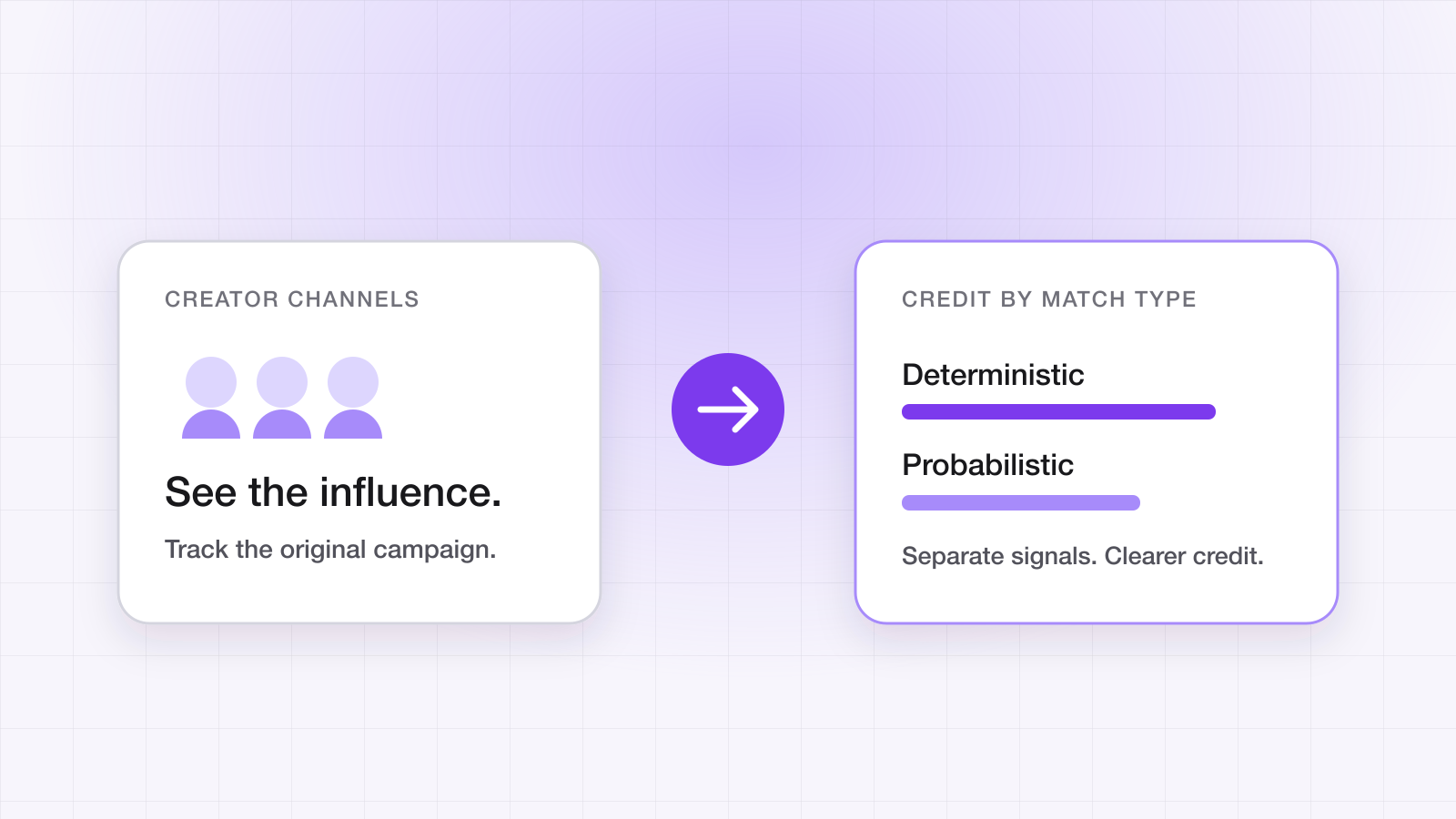
The most common failure mode in 2026 is teams optimizing campaigns on a blended attribution number that mixes deterministic and probabilistic matches without weighting. The result: high-IDFA channels (e.g., Apple Search Ads) look amplified, fingerprint-heavy channels (e.g., influencer) look starved. Always be able to slice your performance dashboard by match type — influencer attribution is where this bites hardest.
“Show me a marketing report that doesn't break out match type and I'll show you a marketing report that's quietly wrong.”
How accurate is attribution after ATT?
Accuracy is not one number, and quoting one is the tell that a vendor is guessing. It varies by layer, and it varies by platform:
| Layer | Platform | Confidence | Coverage |
|---|---|---|---|
| Play Install Referrer | Android | Exact | Play Store installs |
| Deferred click token | Both | Exact where available | Depends on the click path |
| Probabilistic match | Both | Scored — publish the score | Consent-dependent |
| SKAdNetwork / AdAttributionKit | iOS | Aggregated, delayed | Paid network spend only |
| No match — organic | Both | n/a | The honest remainder |
A well-instrumented Android app can attribute the large majority of its store installs deterministically. iOS is structurally harder, and any provider reporting near-total iOS coverage is either counting SKAdNetwork aggregates as user-level matches or modelling the gap. Both are defensible if disclosed. Neither is defensible if it lands in a dashboard cell that looks like a measurement.
Why do two attribution tools report different numbers?
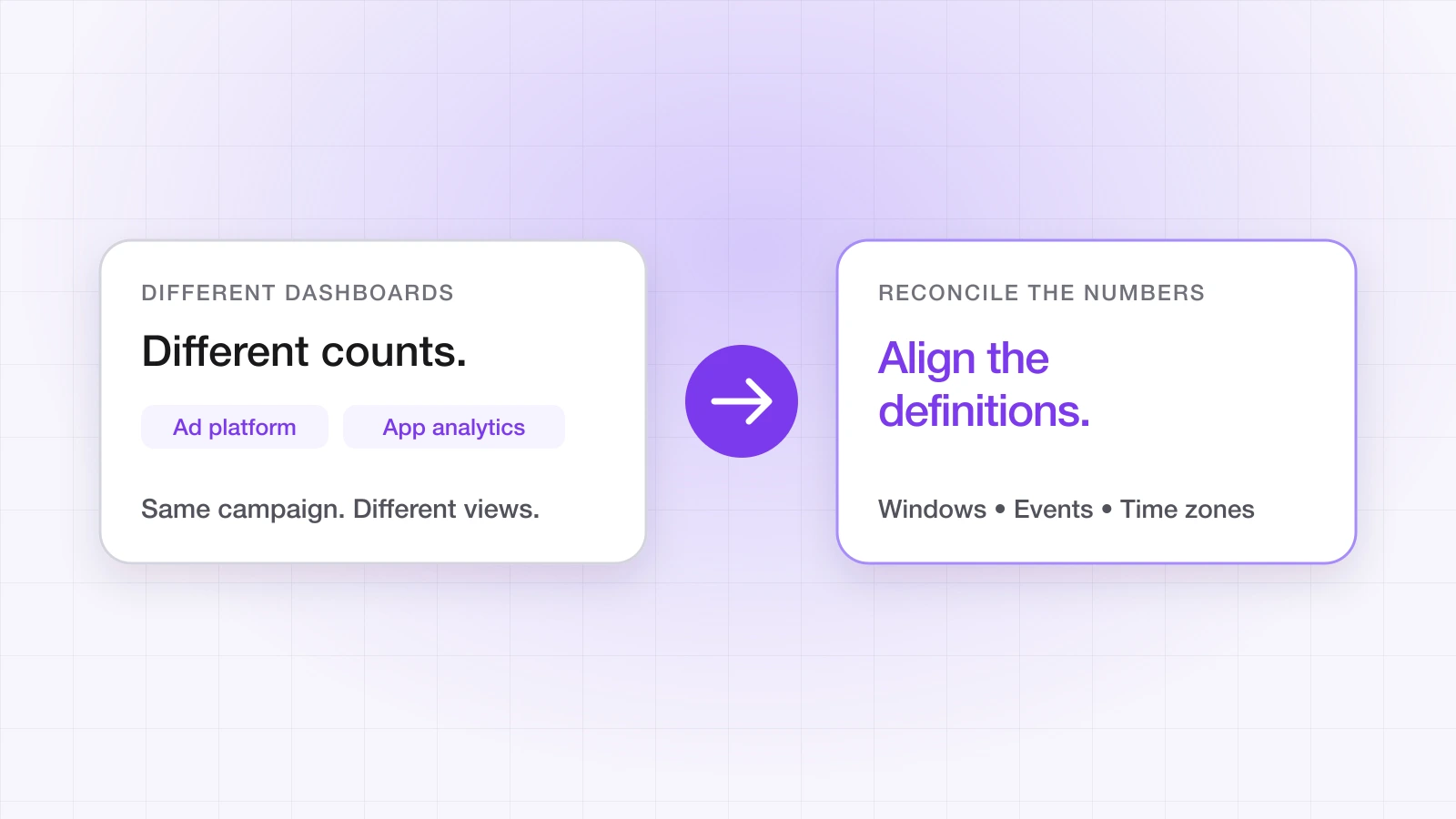
Because they are answering slightly different questions, and this catches out every team running a migration or a parallel evaluation. Four causes account for nearly all of the gap:
- Different attribution windows. A 7-day click window and a 30-day window will never agree, and the difference compounds on long consideration cycles.
- Different attribution models. Last-touch and first-touch credit the same install to different campaigns.
- Different consent defaults. A tool that fingerprints by default will match installs a consent-gated tool deliberately leaves unattributed.
- Different definitions of an install. Reinstalls, restores from backup, and multi-device users get counted differently by different vendors.
The productive way to compare two tools is to hold the window and the model constant, then look only at deterministic matches — the figures both derive the same way. If those agree, the tools agree and the rest is methodology. If they don't, you have a real integration bug worth finding. Why attribution numbers don't match across platforms covers the network side of the gap.
What to ship next quarter
- Make match type a first-class column everywhere an install appears — warehouse, dashboard, exports. Nothing else on this list is diagnosable without it.
- Add the Play Install Referrer if you haven't. It is free, deterministic, and still the highest-yield fix on Android.
- Set a confidence floor for probabilistic matches, publish the score, and never let a scored match silently become a binary one downstream.
- Gate device-signal collection behind explicit consent, and confirm your links still route while consent is pending — users should never be punished for a pending prompt.
- Ingest raw SKAdNetwork postbacks yourself and reconcile against network reporting rather than trusting the summary view.
- Break the performance dashboard out by match type before the next budget cycle, not after.
Questions about this post
How does mobile attribution work without the IDFA?
Through a waterfall of weaker signals, each covering a different slice of traffic: deterministic identifiers passed through the store first, then a deferred click token, then probabilistic matching that should be scored rather than asserted. Apple's SKAdNetwork and AdAttributionKit run alongside, reporting aggregated results for paid iOS network spend.
Why do two attribution tools report different numbers?
Four causes account for nearly all of the gap: different attribution windows, different attribution models, different consent defaults, and different definitions of an install. Hold the window and model constant and compare only deterministic matches — if those agree, the rest is methodology.
How accurate is attribution after ATT?
It isn't one number. Android Play Store installs can be matched exactly through the Install Referrer; iOS is structurally harder, and any provider reporting near-total iOS coverage is either counting SKAdNetwork aggregates as user-level matches or modelling the gap.