Why your attribution numbers don't match across platforms (and which dashboard to trust)
Meta says 120 installs, Google 95, your attribution tool 80, your backend 65. Why the numbers never align, and which dashboard to use for which decision.
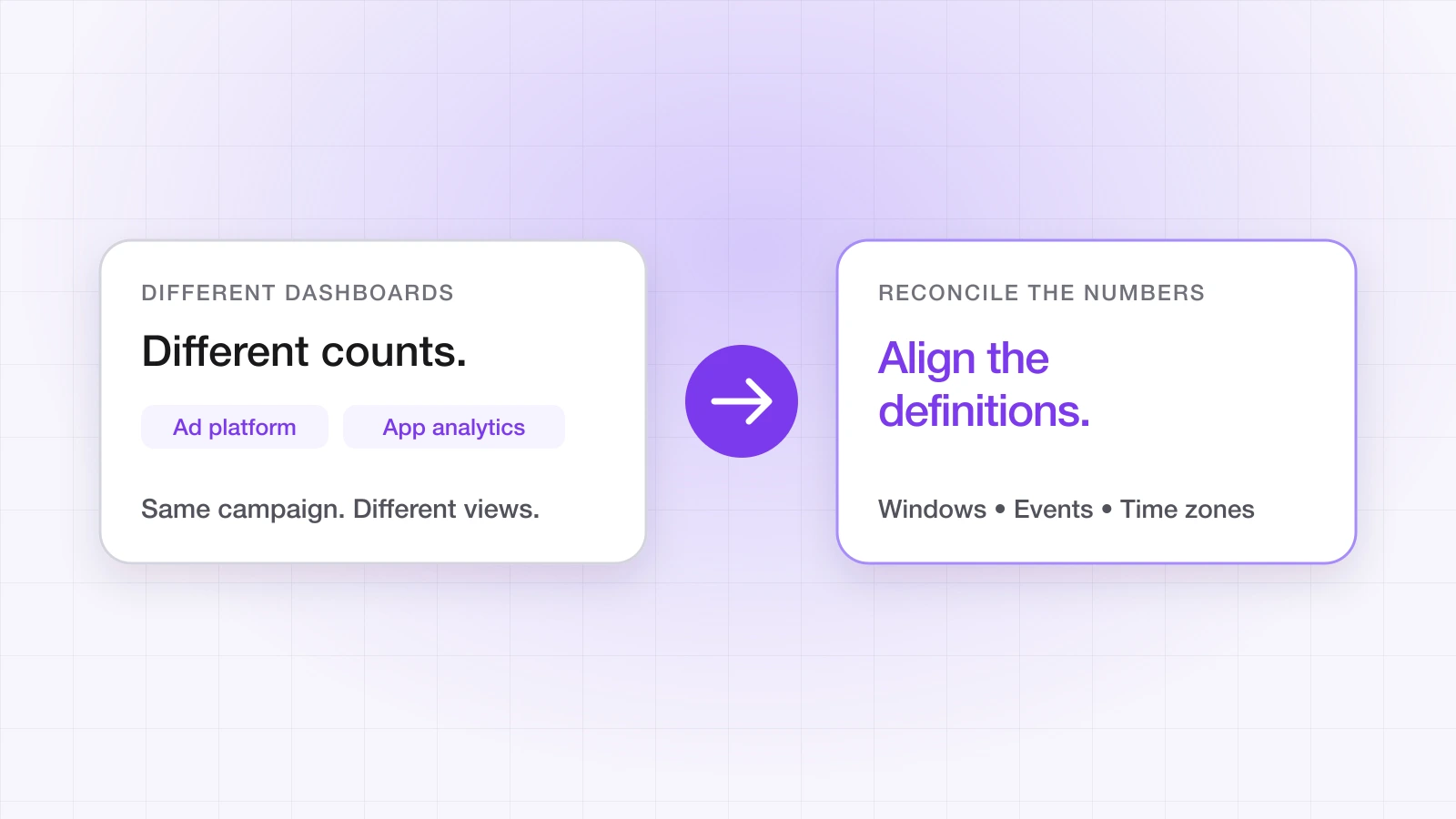
You run a campaign. Meta reports 120 installs. Google Ads shows 95. Your attribution tool attributes 80. Your backend counts 65 new users. Same campaign, four numbers — and nothing is broken.
This is one of the most common sources of confusion for mobile growth teams, and it costs real money when the wrong number drives a budget decision. Understanding why the numbers differ decides whether you scale a channel that's working or cut one that is.
“Each system measures something different and counts conversions its own way. The numbers will never fully align — the goal is to understand the gap, not to eliminate it.”
Why do the numbers diverge?
1. Self-attributing networks grade their own homework
Meta, Google Ads, TikTok, Snapchat and Apple Search Ads attribute conversions inside their own platforms. If a user saw your ads on two of them, both can report the install as theirs. Your attribution tool credits one source per install. So the sum of your platform dashboards will always exceed your attribution tool's total, by design.
2. Attribution windows differ
Every system has its own rule for how long after an ad interaction an install still counts, and the defaults rarely match. Ad platforms commonly count installs for weeks after a click — Google Ads' default conversion window, for example, is 30 days — and count some installs after an ad was merely seen. LinkTrail's default click window is seven days, configurable per workspace. An install on day 12 after a click can sit in a network's dashboard and nowhere else. That isn't fraud; it's a window mismatch.
Check the current windows in each of your ad accounts rather than trusting a remembered default — networks change them, and they can differ per campaign type.
3. iOS privacy leaves gaps that platforms model
Since App Tracking Transparency, most iOS users don't allow cross-app tracking. Where platforms can't observe a conversion directly, they report modelled estimates and Apple's aggregated SKAdNetwork and AdAttributionKit postbacks. Modelled numbers are estimates; postbacks arrive a day or more after the install and at campaign level rather than per user. The same conversion can appear in a platform's dashboard well after it appeared in your backend — or be counted in a different window entirely.
4. View-through attribution inflates reach-heavy channels
Some channels take credit for conversions that followed an ad impression, not a click. A user who scrolled past a video and later installed through another channel can still show up as that platform's conversion. Channels with high impression volume — short-form video, display — will look better in their own dashboards than their causal contribution justifies.
Which dashboard should you trust?
There's no single correct number, because each system answers a different question. The mistake is using one system to make another's decision:
| Dashboard | What it measures | Use it for |
|---|---|---|
| Ad platform (Meta, Google, TikTok) | Conversions that platform claims | Pacing, creative and bid optimisation inside that platform |
| Attribution tool | Installs matched to one source each, deduplicated | Comparing channels and allocating budget |
| Your backend | Users who did something that matters | Revenue, activation, subscriptions, lifetime value |
The hierarchy: your backend is the financial truth, your attribution tool is the marketing truth, and ad platform dashboards are optimisation signals. Don't compare channels using numbers each channel reported about itself.
Within your attribution tool, also separate how each install was matched. LinkTrail records a match type — deterministic, probabilistic or none — on every install; comparing channels on deterministic matches alone removes a whole class of disagreement. The post-IDFA attribution playbook explains why blending the two skews budgets.
What should you check when the gap looks wrong?
Some gap is normal. When it's large, or it suddenly changes, work through these in order:
- 1Attribution windows. Are the network windows and your attribution tool's window comparable? Mismatched windows are the most common cause of a large gap.
- 2Duplicated events. If the same conversion is sent from the app and from your server, it can be counted twice.
- 3SKAdNetwork setup. For iOS, confirm your conversion value mapping is what you intended. A wrong mapping reports installs against the wrong value, or not at all.
- 4View-through settings. If one impression-heavy channel is claiming an outsized share, compare it with view-through attribution switched off while you establish a baseline.
Then reconcile spend against one source. Importing each network's cost export next to installs from a single attribution source gives a cost per install you can compare across channels — the channel cost reconciliation use case walks through it, and the integrations page covers what LinkTrail imports from each network.
“If your backend shows 65 users and Meta shows 120, you're not being defrauded. You're seeing self-attribution overlap, window mismatch and modelled data. The 65 is your real number; the 120 is Meta's view of its own contribution. Both can be true at once.”
Ahsan Ali
Writes about deep linking & attribution
Ahsan Ali works with the teams integrating LinkTrail's iOS, Android, React Native, and Flutter SDKs, which is where most of what he writes here starts: deferred deep linking, install attribution after ATT, and the parts of the mobile growth stack the category tends to leave vague.