Deep links for Meta and TikTok ads: what works in each campaign type
Meta and TikTok treat app install campaigns differently from traffic campaigns. Where a smart link works, where the ad's deep link field does, and why.
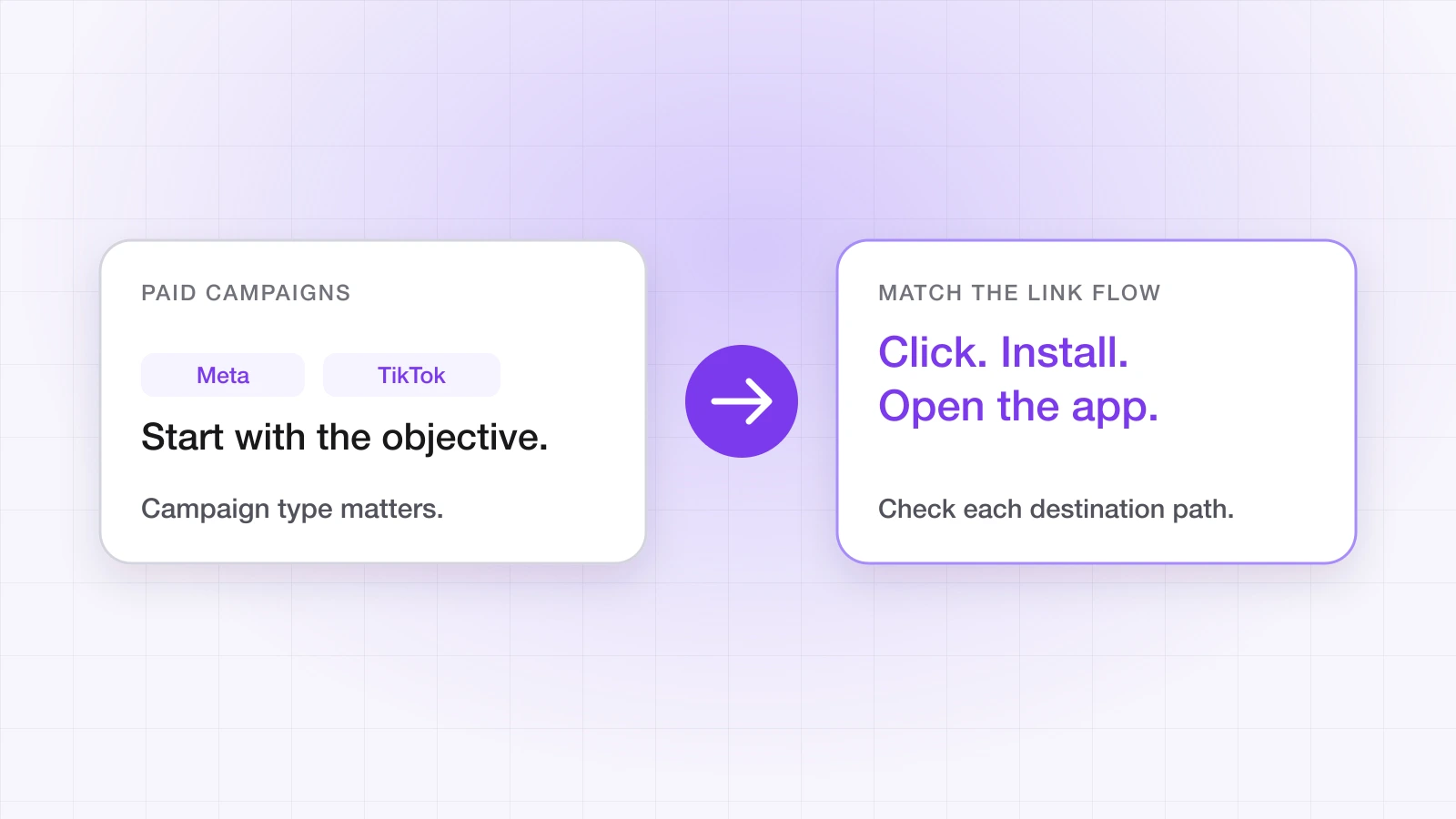
'Can I use my deep link in a Meta ad?' has two different answers, depending on what kind of campaign it is. Get the campaign type wrong and you'll either be told the link isn't allowed, or it'll be accepted and quietly do nothing for new users.
Why are app install campaigns different?
Meta, TikTok, Google, Snapchat and X are self-attributing networks. In their app install and app promotion campaigns, the ad sends people straight to the App Store or Google Play, and the network works out which installs its ads produced, inside its own platform. There's no step where your own link sits between the tap and the store, so these campaigns don't accept a third-party tracking link as the destination.
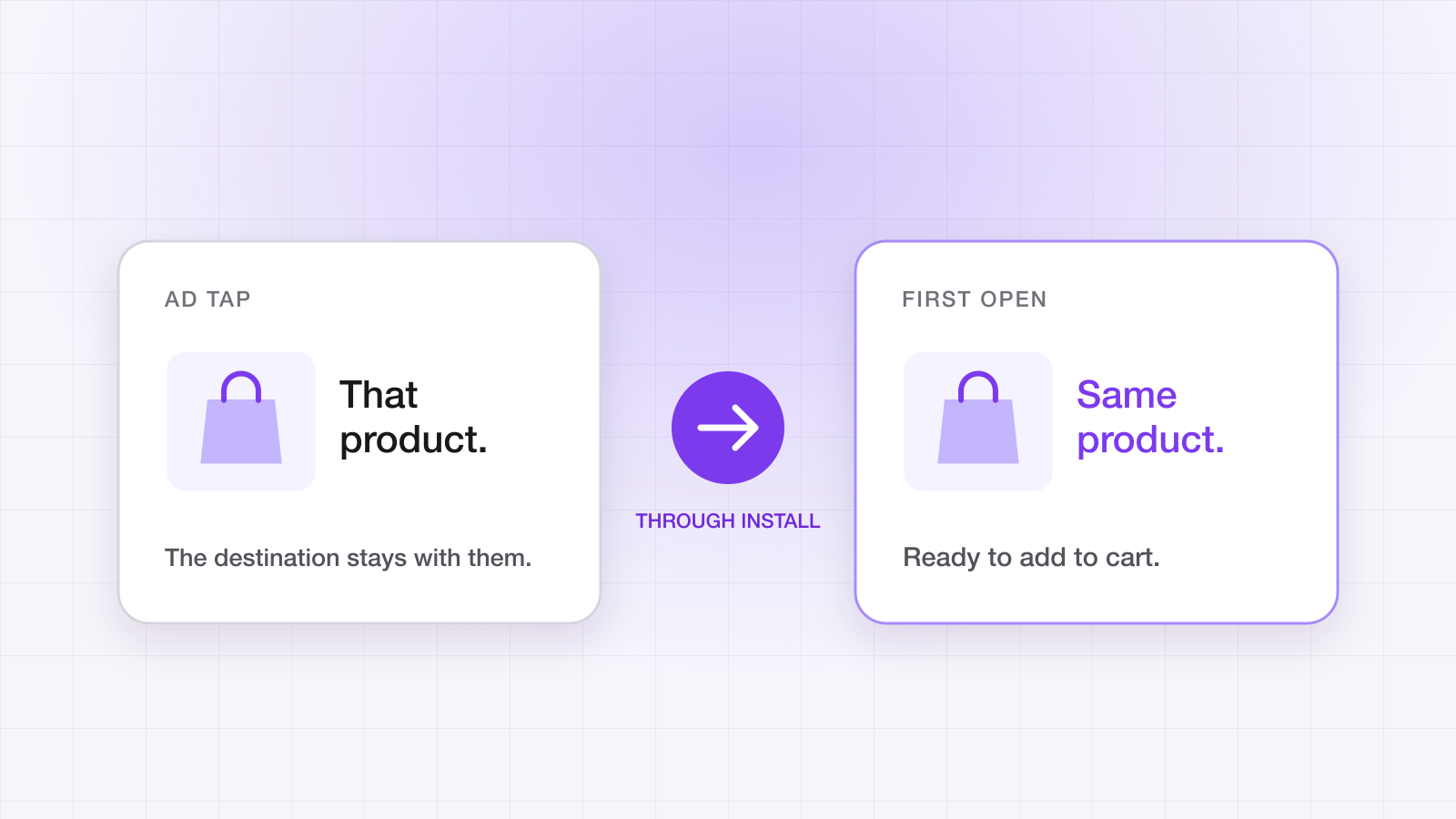
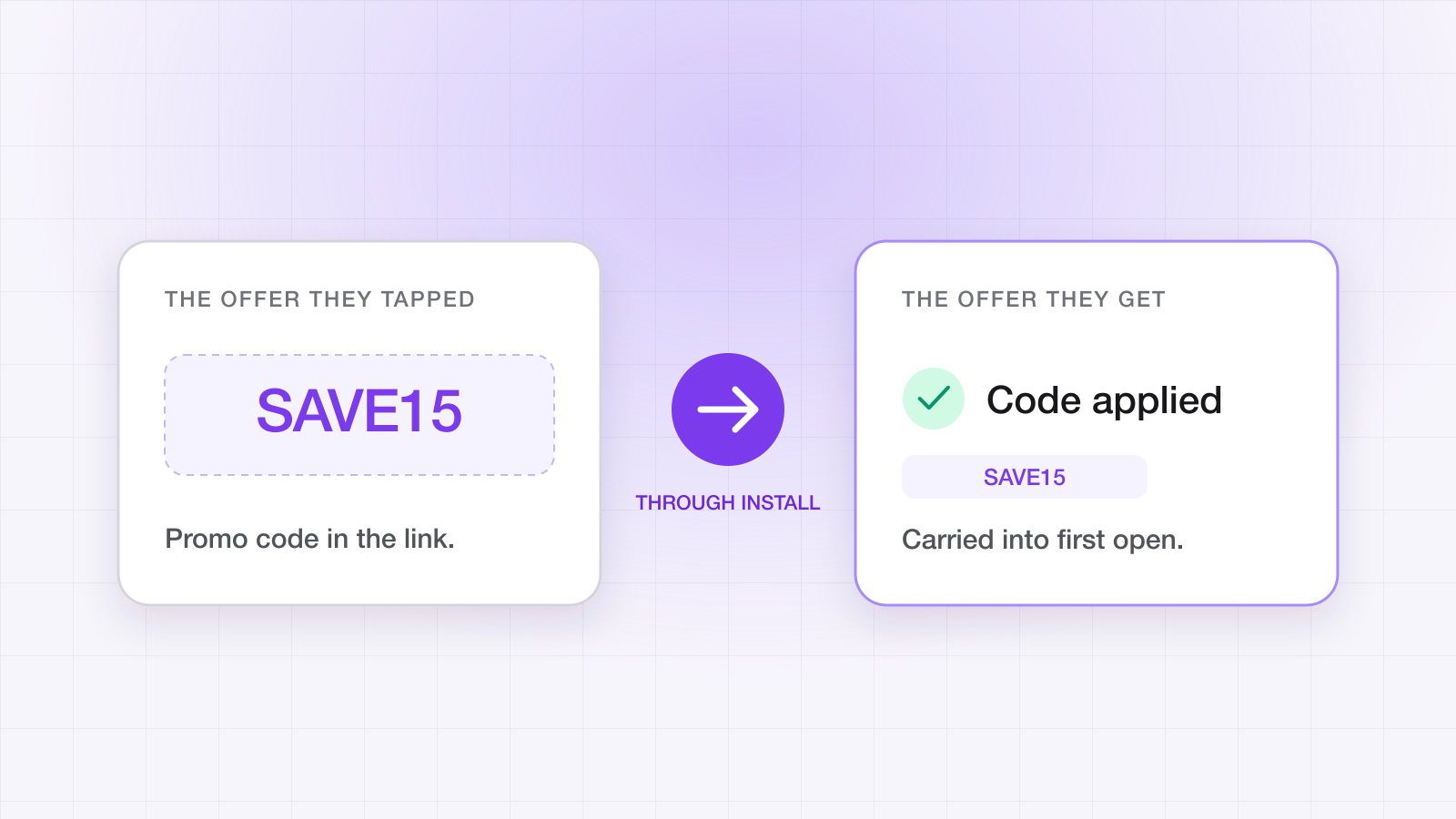
Deferred deep linking in those campaigns — a new user installing from the ad and landing on the advertised screen — comes from the network itself. Meta's requires the Meta SDK in your app and is limited for iOS 14.5+ campaigns; TikTok's support depends on the objective and platform, with iOS 14.5+ the most restricted. Measurement partners with a direct integration can deliver it too. Both networks change what they support, so check their current documentation before planning a campaign around it.
Where does a smart link work?
Anywhere the tap goes to a URL rather than straight to a store:
| Where | Use a smart link? | What it does |
|---|---|---|
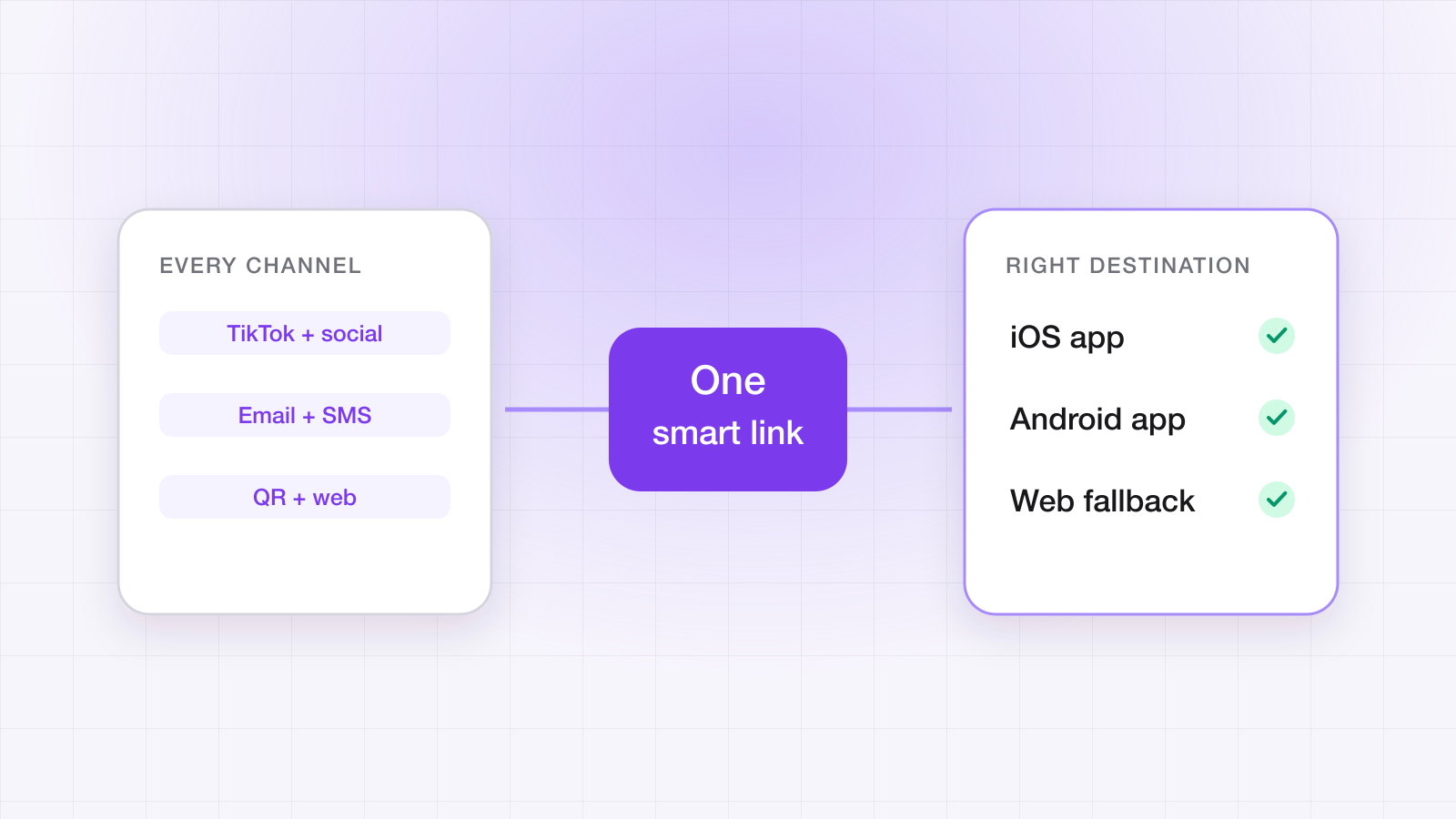
| Traffic and website-objective ads | Yes, as the destination URL | Routes each device, carries the destination through an install, captures fbclid or ttclid |
| Creator and organic posts, stories, bio links | Yes | The same — and each creator can have their own link |
| App ads for people who already have the app | Yes, in the ad's deep link field | Opens the app on the advertised screen via Universal Links and App Links |
| App install campaigns (new users) | No — the network sends people to the store | Deferred deep linking comes from the network's SDK or an integrated partner |
How do you set up a smart link for a traffic campaign?
- 1Create one link per network, campaign or creative, tagged with its campaign and channel, and set the deep link path to the screen the ad is about.
- 2Use it as the ad's destination URL.
- 3When someone taps it, the network appends its click ID — fbclid for Meta, ttclid for TikTok — and LinkTrail records it with the click.
- 4People with the app are routed into it; people without it go to their store and land on the advertised screen at first open.
Remember that the tap happens inside Instagram, Facebook or TikTok, which open links in their own in-app browsers. The smart link's hosted fallback page routes onward through your app's custom scheme when the operating system doesn't — test campaign links by tapping them inside the app the ad runs in, not in Safari.
How do you use the deep link field in app campaigns?
App campaigns aimed at people who already have your app — retargeting and re-engagement — usually have a deep link field alongside the store destination. Put an https link on your LinkTrail link domain there. Because the domain is verified for your app through Universal Links and App Links, tapping the ad opens the app directly on the right screen, and your onLink handler receives it like any other link.
How do you measure it?
For the campaigns where your link is in the path, LinkTrail attributes installs and in-app events to the link, campaign and channel, with the network's click ID recorded. For spend, import each network's cost export: cost joins to installs by campaign, so you get cost per install and cost per activated user from one attribution source. Cost data is on the Growth plan and above.
For app install campaigns, the network's own reporting is the source of truth for the installs it attributed. Don't add the two together — the post-IDFA attribution playbook explains why sources disagree.
What LinkTrail doesn't do with ad networks
- It doesn't connect to your ad accounts or call the networks' APIs; spend comes from the CSV each network exports.
- It doesn't send installs or in-app events back to Meta or TikTok. If their optimisation needs those signals, keep the network's SDK or conversion API in place.
- It isn't a measurement partner integrated with Meta or TikTok, so it can't deliver deferred deep links inside their app install campaigns.
The integrations page keeps the current list of what's supported for each network.
Ahsan Ali
Writes about deep linking & attribution
Ahsan Ali works with the teams integrating LinkTrail's iOS, Android, React Native, and Flutter SDKs, which is where most of what he writes here starts: deferred deep linking, install attribution after ATT, and the parts of the mobile growth stack the category tends to leave vague.