Deep linking in React Native: Universal Links, App Links, and the first open
How a deep link reaches a React Native app, the AppDelegate override the stock template leaves out, Expo's config, and links that survive the install.
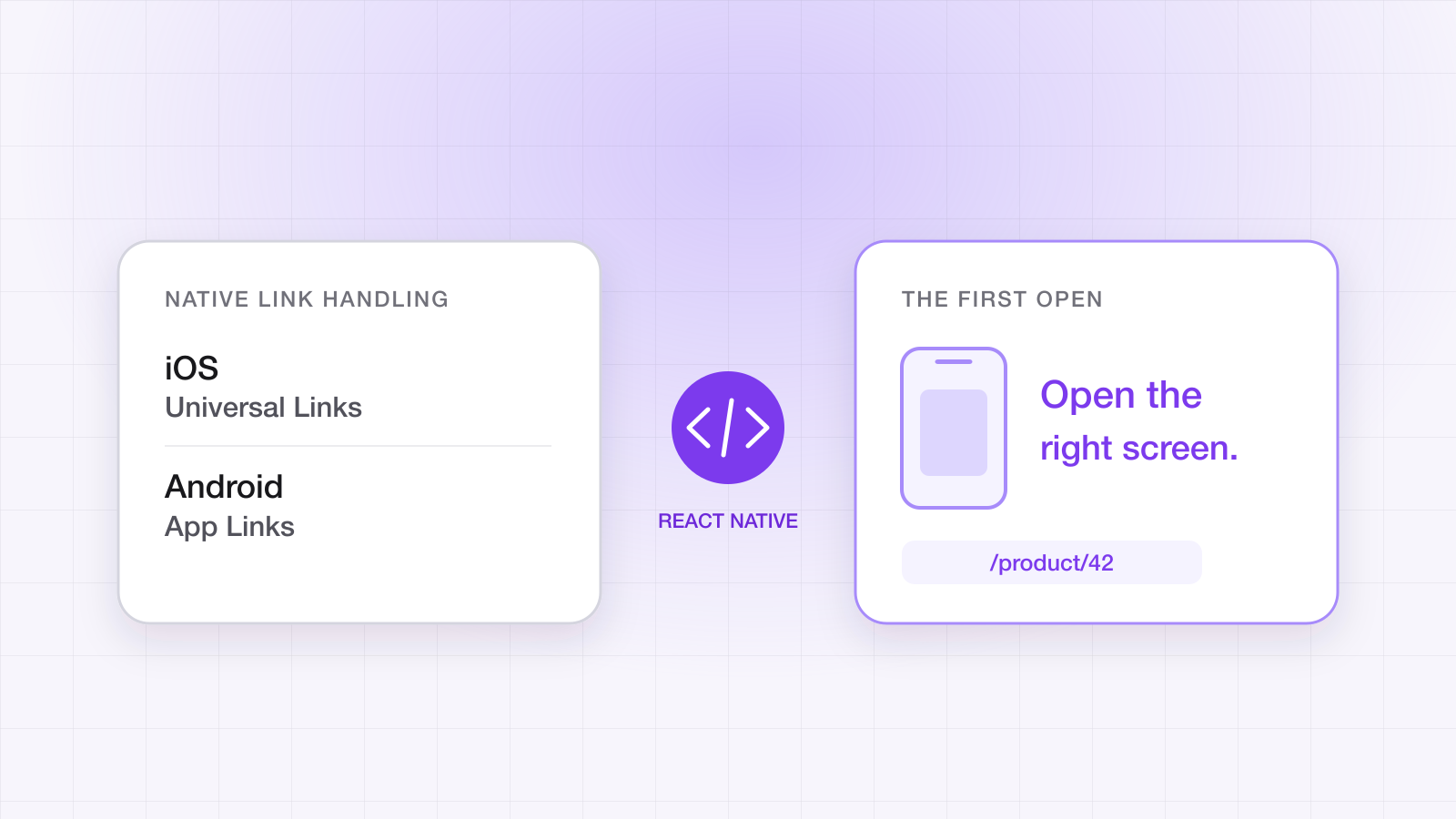
React Native gives you one JavaScript API for incoming links, which makes deep linking look like a JavaScript problem. It mostly isn't. Nearly every React Native deep-link bug we see lives in native configuration the JavaScript never gets to see — an entitlement, an intent filter, one missing method in the AppDelegate.
This guide covers the path a link takes into a React Native app, the native setup on each platform, what changes under Expo, and the part React Native can't do on its own: getting a link through an install.
How does a deep link reach a React Native app?
In three hops. The operating system decides the URL belongs to your app, hands it to the native layer — the AppDelegate on iOS, the launching Activity on Android — and React Native's Linking module passes it up to JavaScript. JavaScript sees it in one of two ways, depending on whether the app was running:
import { Linking } from 'react-native';

// Cold start: the URL that launched the app, if any
const initialUrl = await Linking.getInitialURL();

// Warm: URLs that arrive while the app is already running
const subscription = Linking.addEventListener('url', ({ url }) => route(url));

// On unmount
subscription.remove();
Both only ever see a URL if the native hop delivered one. When a link opens your app but lands on the home screen, that is the tell: the operating system did its part, and the URL was lost between the native layer and JavaScript.
What do I need to configure on iOS?
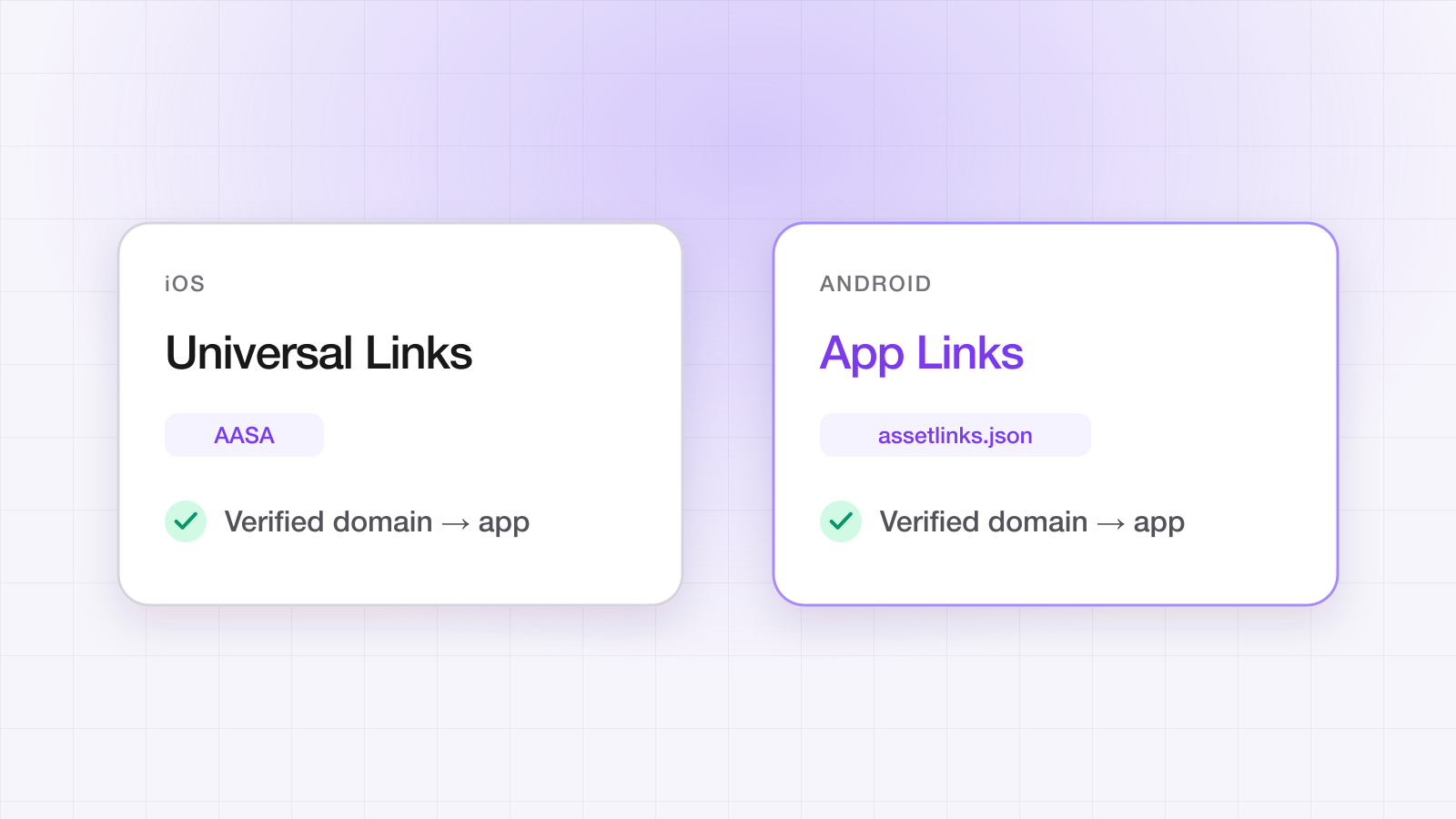
Two things. First, the Associated Domains entitlement listing your link host — applinks:yourapp.linktrail.io — so iOS knows the domain belongs to the app. Second, an AppDelegate that forwards incoming URLs to React Native's RCTLinkingManager. That second part is where most integrations break, because it needs two methods and the stock React Native template does not include the one Universal Links use:
import React

// Custom-scheme URLs (yourapp://…):
func application(_ app: UIApplication, open url: URL,
                 options: [UIApplication.OpenURLOptionsKey: Any] = [:]) -> Bool {
  RCTLinkingManager.application(app, open: url, options: options)
}

// Universal Links (https://yourapp.linktrail.io/…):
func application(_ application: UIApplication, continue userActivity: NSUserActivity,
                 restorationHandler: @escaping ([UIUserActivityRestoring]?) -> Void) -> Bool {
  RCTLinkingManager.application(application, continue: userActivity,
                                restorationHandler: restorationHandler)
}
Without the continue userActivity override, custom-scheme links work, Universal Links open the app, and the URL silently never arrives. It is the single most common React Native deep-link bug, and nothing logs it.
What do I need to configure on Android?
An intent filter on the main activity that claims your https host, with autoVerify so Android checks your assetlinks.json and opens links without asking the user to pick an app:
<activity
  android:name=".MainActivity"
  android:launchMode="singleTask">
  <intent-filter android:autoVerify="true">
    <action android:name="android.intent.action.VIEW" />
    <category android:name="android.intent.category.DEFAULT" />
    <category android:name="android.intent.category.BROWSABLE" />
    <data android:scheme="https" android:host="yourapp.linktrail.io" />
  </intent-filter>
</activity>
Keep singleTask, which the React Native template already sets, so a link opens the running app rather than stacking a second copy of it. Then make sure assetlinks.json lists every certificate your app is signed with — the Play App Signing key, your upload key, and the debug keys your team builds with. A missing fingerprint fails verification without an error and sends the link to the browser.
What changes with Expo?
The configuration moves into app.json, and Expo generates the native files from it; Expo documents both halves, for iOS Universal Links and Android App Links. Two constraints: native modules like LinkTrail's need a development build rather than Expo Go, and the config only reaches the native projects after you run npx expo prebuild.
{
  "expo": {
    "plugins": [["expo-build-properties", { "android": { "minSdkVersion": 26 } }]],
    "ios": { "associatedDomains": ["applinks:yourapp.linktrail.io"] },
    "android": {
      "intentFilters": [{
        "autoVerify": true,
        "action": "VIEW",
        "data": [{ "scheme": "https", "host": "yourapp.linktrail.io" }],
        "category": ["BROWSABLE", "DEFAULT"]
      }]
    }
  }
}
What happens when the app isn't installed?
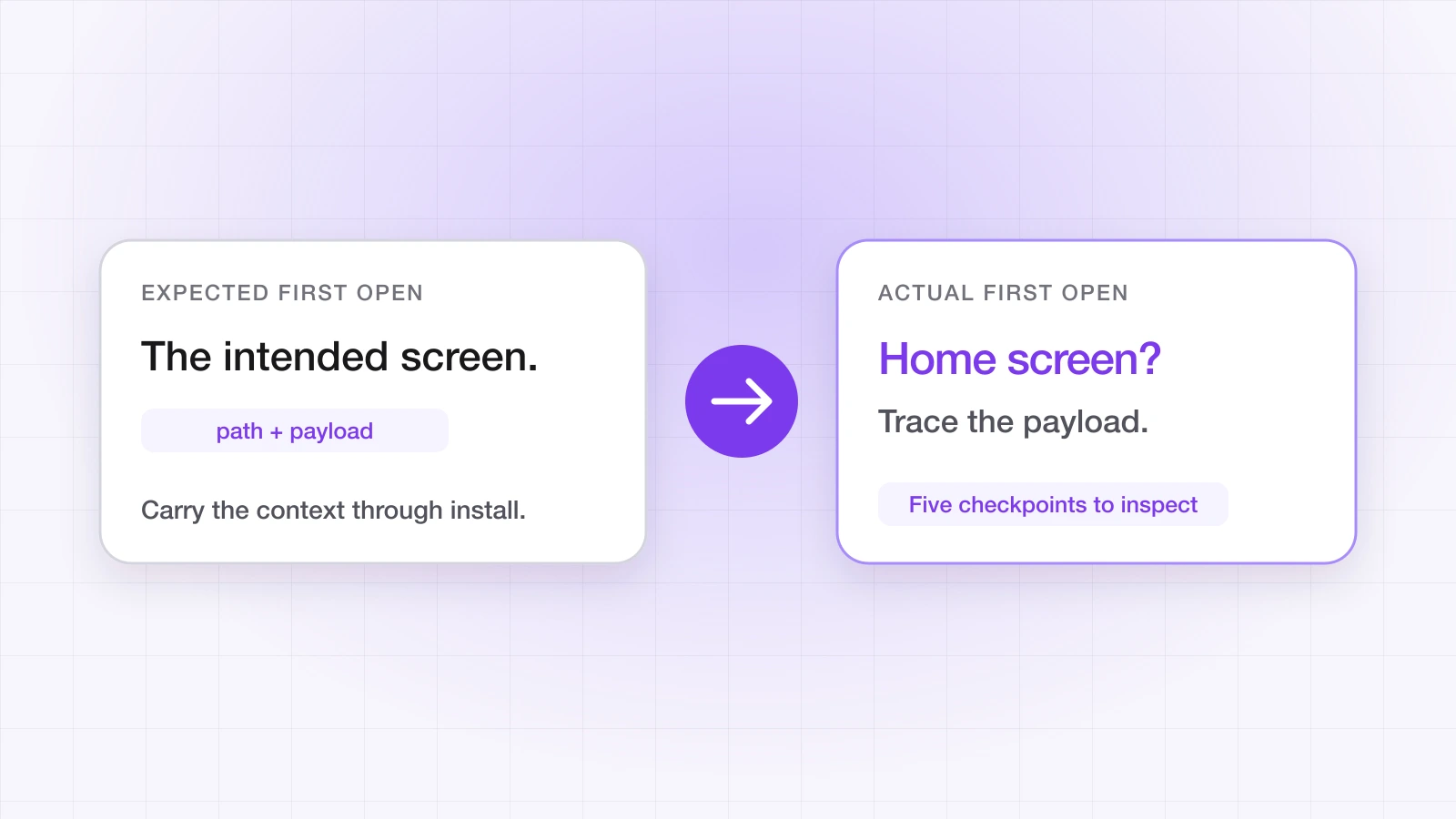
Nothing reaches your app at all. Everything above depends on the app being installed when the link is tapped. Without it, the link opens as a web page, the user goes to the store, and the store passes nothing to the first launch — Linking.getInitialURL returns null, and the user lands on your home screen with the product, the invite or the voucher they tapped for gone.
Carrying the destination through the install is deferred deep linking. It needs a service that saw the click and can match it to the first open, and code running at launch to ask.
How do I add deferred deep links to a React Native app?
With LinkTrail it is one package, linktrail-react-native — a New Architecture TurboModule that wraps the native iOS and Android SDKs, for React Native 0.76 and later, iOS 15.1 and later, and Android minSdk 26:
npm install linktrail-react-native
cd ios && pod install
import LinkTrail from 'linktrail-react-native';
// At app launch. The API key is required; the install is tracked automatically.
await LinkTrail.configure('lt_live_...');
// One listener handles first-launch (deferred) AND re-engagement links:
LinkTrail.onLink((link, source) => {
router.navigate(link.path, link.customData);
});
LinkTrail.onError((error) => console.warn('[LinkTrail] ' + error.code + ': ' + error.message));The SDK picks up Universal Links, App Links and custom-scheme URLs from React Native's Linking API itself, so route LinkTrail links from onLink rather than also handling them in your own Linking listener, or you risk navigating twice. The source argument tells you whether this was a deferred first launch or a re-engagement tap. Listeners return a subscription to remove on unmount, and onLink fires immediately if a deferred link already resolved this session, so registration order doesn't matter.
The iOS paste button
On iOS, deferred matching recovers a click token the tapped link leaves on the clipboard. By default it is read only when the user taps a paste control, which avoids the system's paste alert — but it means you must render the button on your first-launch screen and turn off the automatic install track, because the install fires when the token is pasted. Android uses the Play Install Referrer instead, and the button renders nothing there.
import { LinkTrail, LinkTrailPasteButton } from 'linktrail-react-native';

await LinkTrail.configure('lt_live_...', {
  clickTokenSource: 'pasteButton',
  autoTrackInstall: false, // required: the install fires on tap
});

// On your first-launch screen:
<LinkTrailPasteButton style={{ height: 46, alignSelf: 'stretch' }} />
How do I test it?
Tap links from Notes or Messages rather than the browser's address bar, test a genuine fresh install on each platform, and call LinkTrail.resetForTesting() behind __DEV__ to re-run the first launch without reinstalling. The full routine, with the adb commands and the settings that fail silently, is in how to test deep links before you ship. The SDK repository also ships KickFlip, an example storefront that demonstrates deferred deep linking end to end.
The React Native deep-linking checklist
- 1iOS: the Associated Domains entitlement lists every link host.
- 2iOS: the AppDelegate implements both the open url and the continue userActivity forwarding.
- 3Android: MainActivity has an autoVerify intent filter for https and your host, and keeps singleTask.
- 4assetlinks.json lists the Play App Signing, upload and debug fingerprints.
- 5Expo: a development build, the config in app.json, and a fresh npx expo prebuild.
- 6One onLink handler routes every link, with no second router listening to Linking for the same URLs.
- 7iOS: the paste button is rendered and autoTrackInstall is off, or clickTokenSource is set to automatic.
- 8Both platforms tested on a clean install, not just the phone the app was built on.
The complete API — configure options, events, error codes — is on the React Native SDK page. For the concepts underneath all of this, see what deep linking is.
Ahsan Ali
Writes about deep linking & attribution
Ahsan Ali works with the teams integrating LinkTrail's iOS, Android, React Native, and Flutter SDKs, which is where most of what he writes here starts: deferred deep linking, install attribution after ATT, and the parts of the mobile growth stack the category tends to leave vague.