Deferred deep link landing on the home screen? Five places the payload gets lost
The link works and the SDK is set up, yet new installs open on the home screen. Five places a deferred deep link loses its payload, and how to find which.
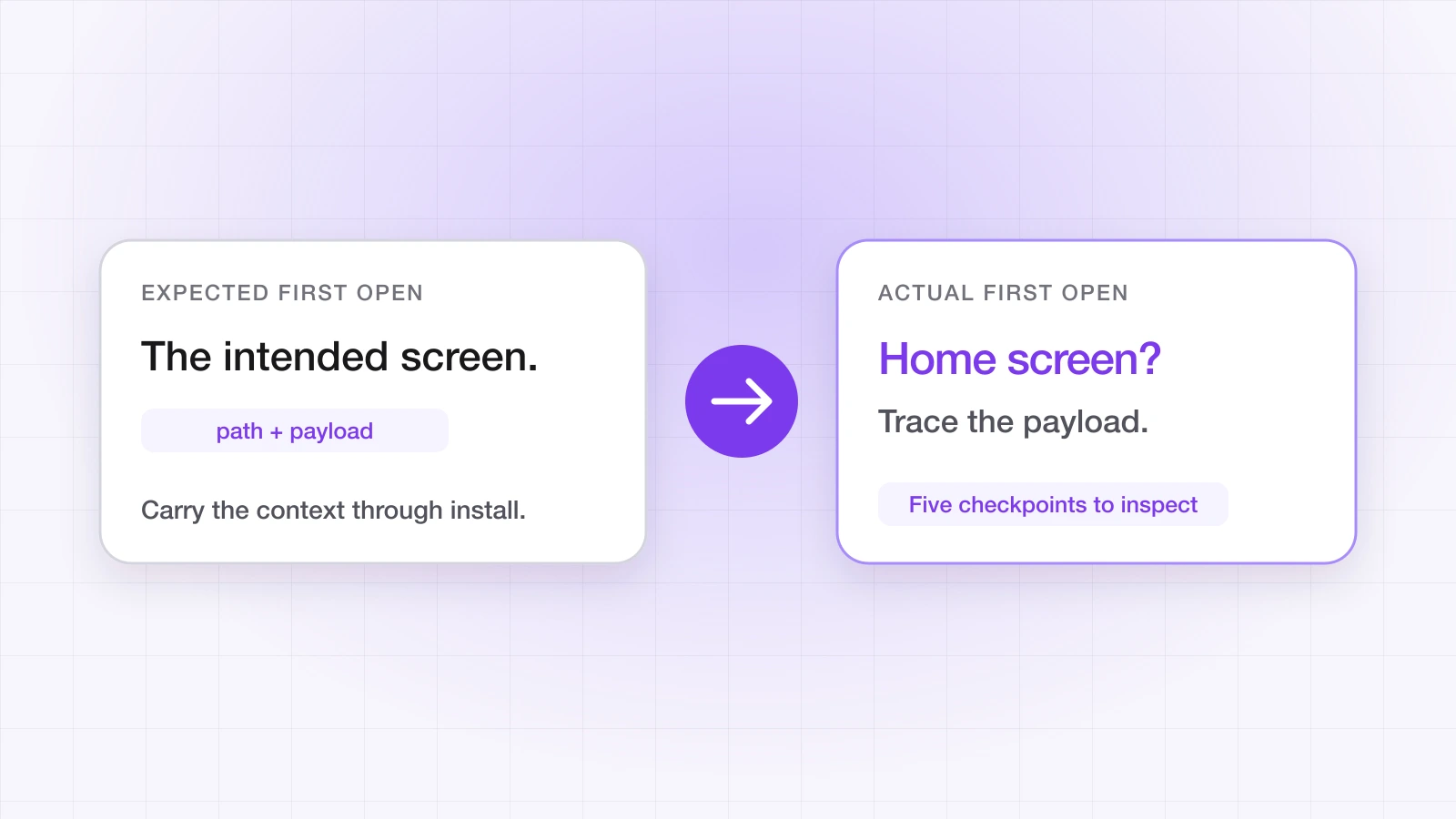
You built deferred deep linking and tested it. The campaign link opened the app on the right screen. You shipped it.
Then a user writes in: they tapped your referral link, installed the app, and landed on the home screen. The product they expected never appeared.
It's one of the nastiest failures in mobile, because everything looks right. The link works, the SDK is configured, the routing code exists — and something between the click and the first screen swallowed the destination.
“Deferred deep linking isn't one mechanism. It's a chain, and the payload can be lost at any link in it. The useful question isn't whether it works — it's which step broke.”
How does a deferred deep link actually work?
Neither Apple nor Google carries your link's context through an install. Deferred deep linking is built on top of the operating system, by a service that sees both the click and the first open:
- 1The click is recorded. The user taps a smart link; the service records the click and the link's destination and payload, then sends the user to the right store.
- 2The install happens. The user installs from the App Store or Google Play. The original URL doesn't come with it.
- 3The first open is matched. The SDK reports the first launch, and the service matches it to the click.
- 4The payload is delivered. The SDK hands the destination and custom data to your app, and your router opens the screen.
Step 3 is where the platforms differ. On Android, the Google Play Install Referrer usually carries a token through the store, so the match is deterministic. iOS has no equivalent, so LinkTrail carries a click token on the clipboard, which the SDK recovers on first launch. Where neither is available, LinkTrail can fall back to probabilistic matching — off by default, consent-gated, and comparing only the IP address and platform. The methodology page documents exactly what's compared.
The symptom is the same wherever the chain breaks: the app opens on its default screen. The cause is different each time.
1. Your router isn't ready when the link arrives
The SDK delivers the link through a callback. If your app builds its navigation after that callback fires, or ignores links until onboarding finishes, the destination arrives with nowhere to go.
Symptom: it works sometimes, or only in debug builds, where startup is slower.
Diagnosis: log inside your onLink handler and at the point your navigation becomes ready. Check which comes first.
Fix: configure the SDK at the earliest point of launch — your App initialiser or AppDelegate on iOS, Application.onCreate() on Android — and register onLink before anything that navigates. If the link can arrive before your router exists, hold it and route once the router is ready. In Flutter, subscribe to LinkTrail.onLink before calling configure.
// At launch, before any navigation code runs
try LinkTrail.configure(apiKey: "lt_live_...")
LinkTrail.shared?.onLink { link, source in
    router.route(to: link.path, customData: link.customData)
}
2. The click never reaches the app
The service can only match what it can connect. On iOS, LinkTrail reads the click token only when the user taps a paste control — the default clickTokenSource — so if your first-launch screen doesn't render one, there's nothing to match. On Android, the Install Referrer only exists for installs that came through Google Play, so a build pushed with adb install arrives without one.
Symptom: deferred links work on one platform and not the other, or never in local testing.
Fix: on iOS, render the paste control on your first-launch screen and set autoTrackInstall: false, or choose .automatic and accept the system's paste alert — the iOS SDK docs cover both. On Android, test the deferred path through a Play testing track.
3. The consent decision is never made
Consent gating is on by default. On Android it is deny-by-default: a fresh install is held until your app calls setConsent(true) or setConsent(false), and only then does the deferred link route — granting attributes it, denying routes it without recording anything. A build with no consent prompt wired up waits forever and looks broken. On iOS, links route immediately and attribution waits for consent.
Fix: call setConsent once your consent prompt is answered, on every path through onboarding — including the one where the user dismisses it.
4. The match window has passed — or the probabilistic match can't be made
Matching is time-bounded. LinkTrail's default click window is seven days, configurable per workspace; an install after that is reported as organic, and the first open gets no payload. That's expected behaviour, but it matters for campaigns where people take days to install.
When an install is matched probabilistically rather than by a token, the IP address has to line up between the click and the first open. A switch from mobile data to Wi-Fi, or a click that went through iCloud Private Relay, can break it. That's a structural limit of probabilistic matching, which is why the deterministic paths above come first.
Fix: check the install's match type in the match audit log (Growth and above). If it says none, look at the window and the deterministic path for that platform before tuning anything else.
5. Sign-in throws the payload away
This one is subtle. The SDK delivers the destination correctly, the app receives it — and then requires the user to sign in or finish onboarding before navigating anywhere. By the time they're done, the destination is gone.
Symptom: onLink fires with the right destination, but the user still lands on the home screen after signing up.
Fix: store the destination the moment it arrives, and route to it once sign-in completes:
LinkTrail.shared?.onLink { link, source in
    // Keep the destination until the user can actually get there
    UserDefaults.standard.set(link.path, forKey: "pendingDeepLinkPath")
    if session.isSignedIn { router.routeToPendingLink() }
}

// After sign-in or onboarding completes:
func routeToPendingLink() {
    guard let path = UserDefaults.standard.string(forKey: "pendingDeepLinkPath") else { return }
    UserDefaults.standard.removeObject(forKey: "pendingDeepLinkPath")
    router.route(to: path)
}
The same pattern works on Android with SharedPreferences. Store only the path and the parts of the payload you need — not tokens or anything you wouldn't want in a log.
A checklist before you file a bug
| Check | What to verify | Where |
|---|---|---|
| Callback order | onLink is registered before anything navigates | SDK and app logs |
| Click token | Paste control rendered on iOS; Play install on Android | First-launch screen, test track |
| Consent | setConsent is called on every onboarding path | Your consent flow |
| Match type | The install shows deterministic, not none | Match audit log (Growth+) |
| Payload persistence | The destination survives sign-in | onLink logging |
The test that isolates it: on a clean install, tap the link and install straight away. If that works but production doesn't, look at the match window and the click path. If it fails too, it's callback order, consent or routing. The pre-release testing checklist covers the clean-install routine, and resetForTesting saves the reinstall between runs.
The chain is only as strong as its weakest step. Knowing which step broke is faster than guessing.
Ahsan Ali
Writes about deep linking & attribution
Ahsan Ali works with the teams integrating LinkTrail's iOS, Android, React Native, and Flutter SDKs, which is where most of what he writes here starts: deferred deep linking, install attribution after ATT, and the parts of the mobile growth stack the category tends to leave vague.