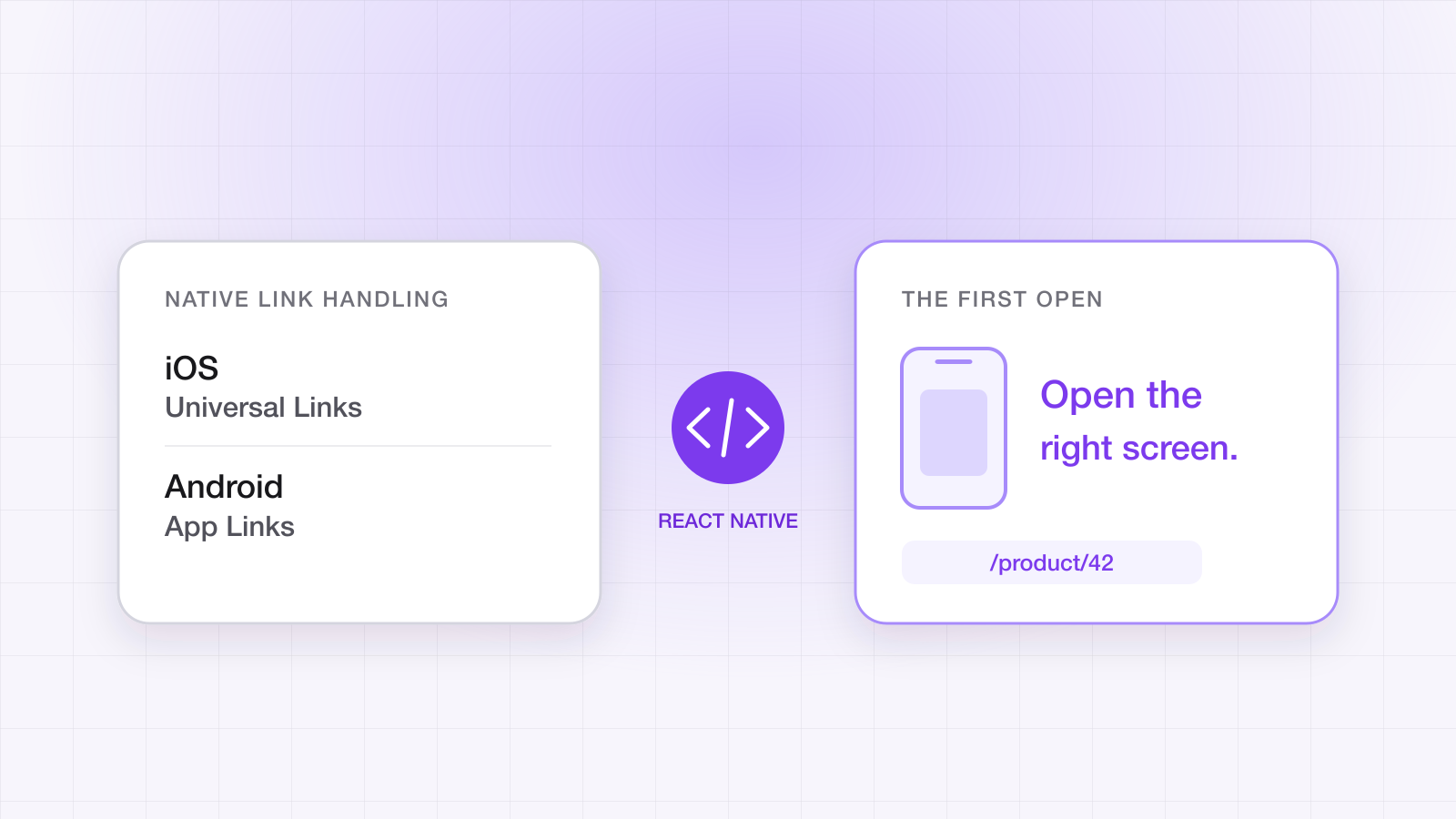
How to test deep links before you ship: the pre-release checklist
A deep link that works on your phone proves little. The test matrix, the commands, and the clean-install routine that catch broken links before users do.
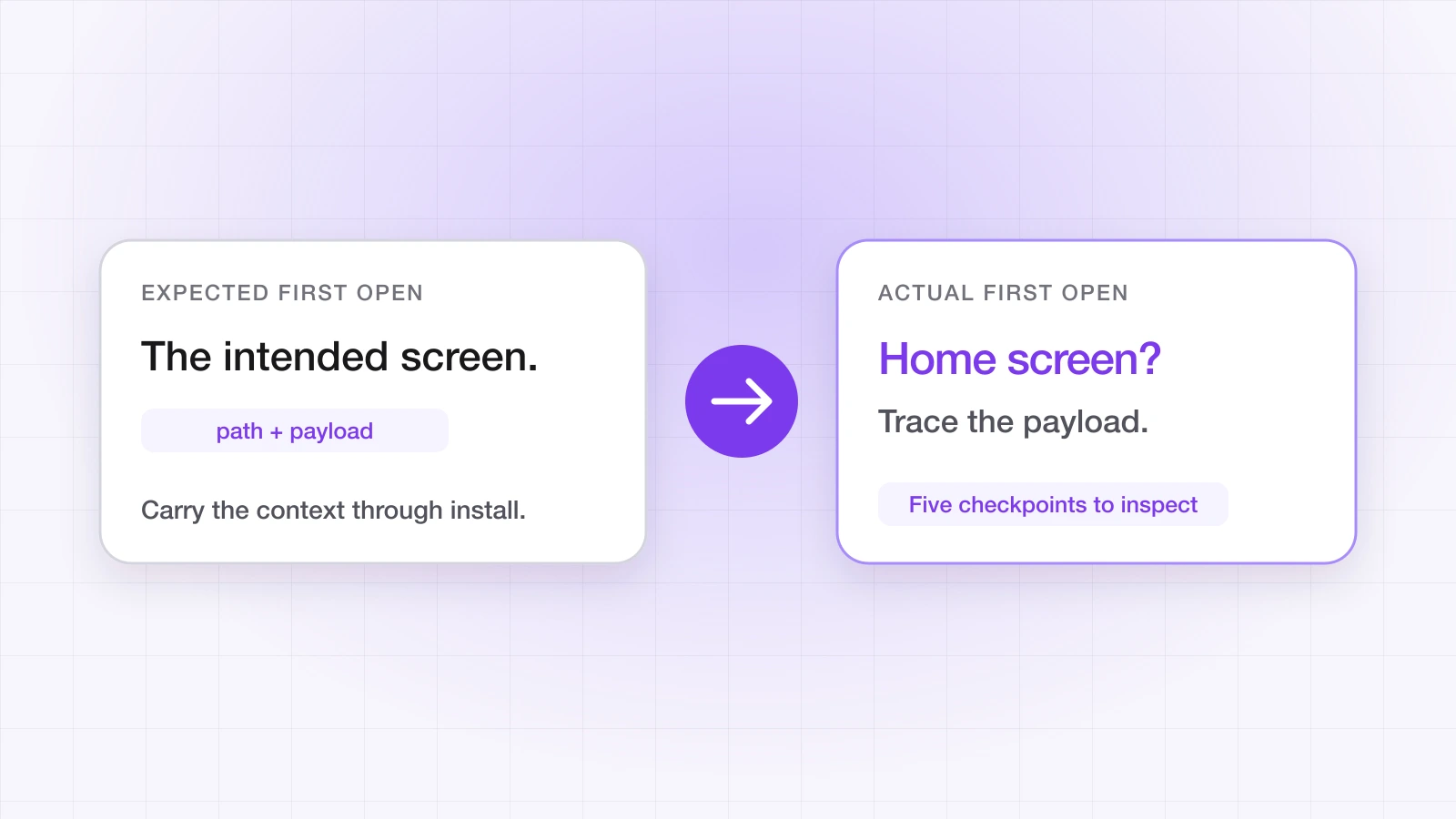
Most deep-link bugs reach production after somebody tested them — on the one device least able to reproduce them. The developer's phone has the app installed, a cached verdict about the link domain, and an owner who has never once been a first-time user. Every link works there. The failures live on devices that look nothing like it.
This is the routine we walk teams through before a release: what to test, the commands that tell you the truth, and the handful of settings that break links without a single error.
Why does a deep link work on my phone and fail for users?
Because your phone is answering a different question. Three things make a developer device the least representative one in the building:
- It already has the app. You are testing the direct path every time and the deferred path never. A user arriving from an ad usually has neither the app nor any history with your domain.
- It has cached what it decided about your domain. Both platforms verify the association files ahead of time and keep the verdict. A device that saw a working file last week will keep opening the app after you break it, and a device that saw a broken one will keep failing after you fix it.
- You are probably launching links the wrong way. Typing or pasting a URL into the browser's address bar is navigation, and it never opens the app on either platform — by design. A link has to be tapped from another app for the operating system to route it.
What should a deep link test matrix cover?
Two questions decide what a tap does: is the app installed, and where was the link tapped. Test every combination you actually ship to, not just the one that is convenient:
| Scenario | What should happen | What it proves |
|---|---|---|
| App installed, link tapped in Notes or Messages | The app opens on the linked screen | Domain verification and your in-app router |
| App installed, link tapped in another app's in-app browser | The app opens, or your fallback page routes onward | What happens where the OS never sees the URL |
| App not installed, iOS | App Store, then the first open lands on the linked screen | The deferred path on iOS |
| App not installed, Android | Play Store, then the first open lands on the linked screen | The deferred path through the Play Install Referrer |
| Desktop browser | The web fallback for that link | Your fallback URL is real, not a 404 |
| Link carrying a payload | The voucher or referrer arrives with the link | Custom data survives the trip |
| Oldest OS version you support | The same results as on current versions | Behaviour that changed between releases, such as App Links verification in Android 12 |
How do I check the association files first?
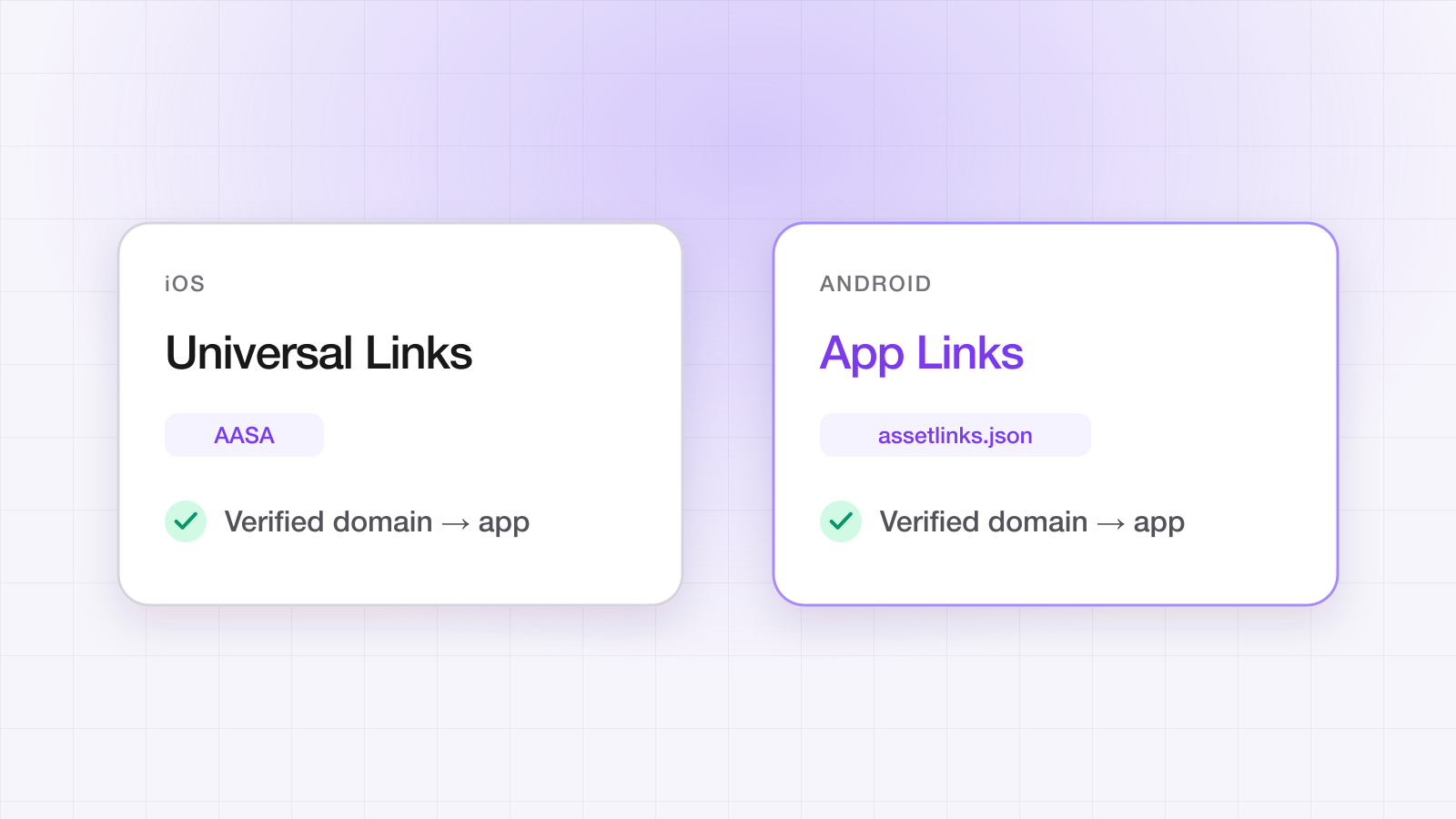
Before touching app code, confirm the files your domain serves. When a link opens the browser instead of an installed app, the cause is almost always the apple-app-site-association or assetlinks.json file, and neither platform reports the failure. Our free Universal Links validator fetches both for any domain and flags what a browser won't show you: a wrong content type, a redirect in front of the file, a missing fingerprint. From a terminal, the two checks that matter most are these:
# The AASA must return a single 200, served as application/json, with no redirect
curl -sIL https://yourapp.linktrail.io/.well-known/apple-app-site-association \
  | grep -iE 'HTTP/|content-type'

# assetlinks.json must list your package and every signing fingerprint you ship
curl -s https://yourapp.linktrail.io/.well-known/assetlinks.json
On Android, count the fingerprints. Play App Signing re-signs your release with Google's key, sideloaded builds carry your upload key, and every developer machine has its own debug key. A build signed with a key that isn't listed will open the browser, and it will do so silently.
How do I test Universal Links on iOS?
- Tap, don't type. Put the link in Notes or Messages and tap it there. Safari's address bar never hands a URL to an app.
- Test the build you'll ship. A TestFlight build and a local debug build can carry different Associated Domains entitlements. Passing on one proves nothing about the other.
- Reset the per-domain choice. If you ever tapped the breadcrumb that sends you back to Safari, iOS remembers it for that domain and keeps opening the browser. Long-press the link and choose to open it in your app to undo it.
- Skip Apple's CDN while developing. iOS normally fetches your AASA through Apple's cache, which is why fixes seem to do nothing for hours. Adding ?mode=developer to the applinks: entry, with Associated Domains Development switched on in the device's developer settings, makes the device fetch the file from your server directly. Take it out before release.
- Check what Apple's CDN is serving.
curl -s https://app-site-association.cdn-apple.com/a/v1/yourapp.linktrail.ioreturns the copy of your AASA that Apple's CDN holds. If it differs from the file on your server, App Store and TestFlight builds are still seeing the old one. - Use the simulator for routing, not verification.
xcrun simctl openurl booted "yourapp://product/42"is a quick way to exercise your router with a custom-scheme URL. Whether a Universal Link verifies is a question for a real tap on a real device.
How do I test App Links on Android?
Android is the easier platform to debug, because on Android 12 and later you can ask the device what it decided and force it to decide again:
# What does this device think of your domain?
adb shell pm get-app-links <your.package.name>

# Re-verify after fixing assetlinks.json
adb shell pm verify-app-links --re-verify <your.package.name>

# Fire a link the way a tap from another app would
adb shell am start -a android.intent.action.VIEW \
  -c android.intent.category.BROWSABLE \
  -d "https://yourapp.linktrail.io/product/42"
If pm get-app-links reports your domain as verified, the association file is fine and the bug is in your routing. If it doesn't, no amount of app code will help. Remember there are two caches between your fix and a working link — Google's crawl of assetlinks.json, and the verdict each device stored at install — so fix the file, give Google time to see it, then re-verify or reinstall.
How do I test deferred deep links?
The deferred path only runs on a genuine first launch, which is why it is the one most often shipped untested. The honest test is: uninstall the app, tap the link, install, and open. Anything short of that tests the direct path again.
- Install through the store path on Android. The Play Install Referrer only exists for installs that came through Google Play, so a build pushed with adb install arrives with no referrer at all. Use a Play testing track for the end-to-end check.
- Wire up the paste button on iOS. Deferred attribution on iOS recovers a click token the tapped link leaves on the clipboard, and by default the SDK reads it only when the user taps a paste control. If the button isn't rendered, or autoTrackInstall is still on, deferred installs on iOS arrive unattributed.
- Let consent resolve. Consent gating is on by default. On Android a fresh install's deferred link is held until your app calls setConsent, so a test build with no consent prompt wired up will wait forever and look broken.
Uninstalling and reinstalling for every run gets old quickly. In debug builds, resetForTesting clears the install flag, the cached attribution and the device ID, so the next launch behaves like a first launch:
// iOS
#if DEBUG
LinkTrail.resetForTesting()
#endif
// Android
if (BuildConfig.DEBUG) LinkTrail.resetForTesting(context)// React Native
if (__DEV__) LinkTrail.resetForTesting();Guard it exactly like that. It is a testing tool, and a release build that calls it would treat every launch as a fresh install.
What else breaks a deep link without an error?
- An invalid API key. configure does not fail on a bad key; the backend rejects it a moment later and the failure arrives through onError. Keep an onError handler logging during every test run.
- A partial linkDomains list. If you set linkDomains, re-engagement opens only route for the hosts listed there, while deferred installs skip the check. Fresh-install tests pass and every tap from an existing user fails. List every link host, or leave the option empty.
- A React Native AppDelegate without the Universal Links override. The app opens and lands on its home screen, because the URL never reaches JavaScript. The stock template doesn't include it — see deep linking in React Native.
- A path your router doesn't know. The link arrives and nothing happens. Log every link in onLink while testing, so a routing gap is a log line rather than a mystery.
To see matching and routing decisions as they happen on Android, enable SDK logging with LinkTrailOptions(logEnabled = true) and run adb logcat -s LinkTrail.
Which of these checks can run in CI?
More than you might think, though not the one that matters most. These are cheap to automate and catch regressions before a release:
- Association files. A curl for each link domain that fails the deploy unless the AASA and assetlinks.json return a single 200, served as application/json, with no redirect.
- Routing.
adb shell am startagainst an emulator, orxcrun simctl openurlagainst a simulator, exercises your router with known paths. It tests routing, not domain verification. - Fallbacks. Every fallback URL configured on your links should return a 200 and a page that works on a phone.
What can't be automated is the clean-install deferred test: a physical device, a real install through a store path — a Play testing track or TestFlight — and a genuine first launch. Keep a test device just for it, so it never carries state from a previous build.
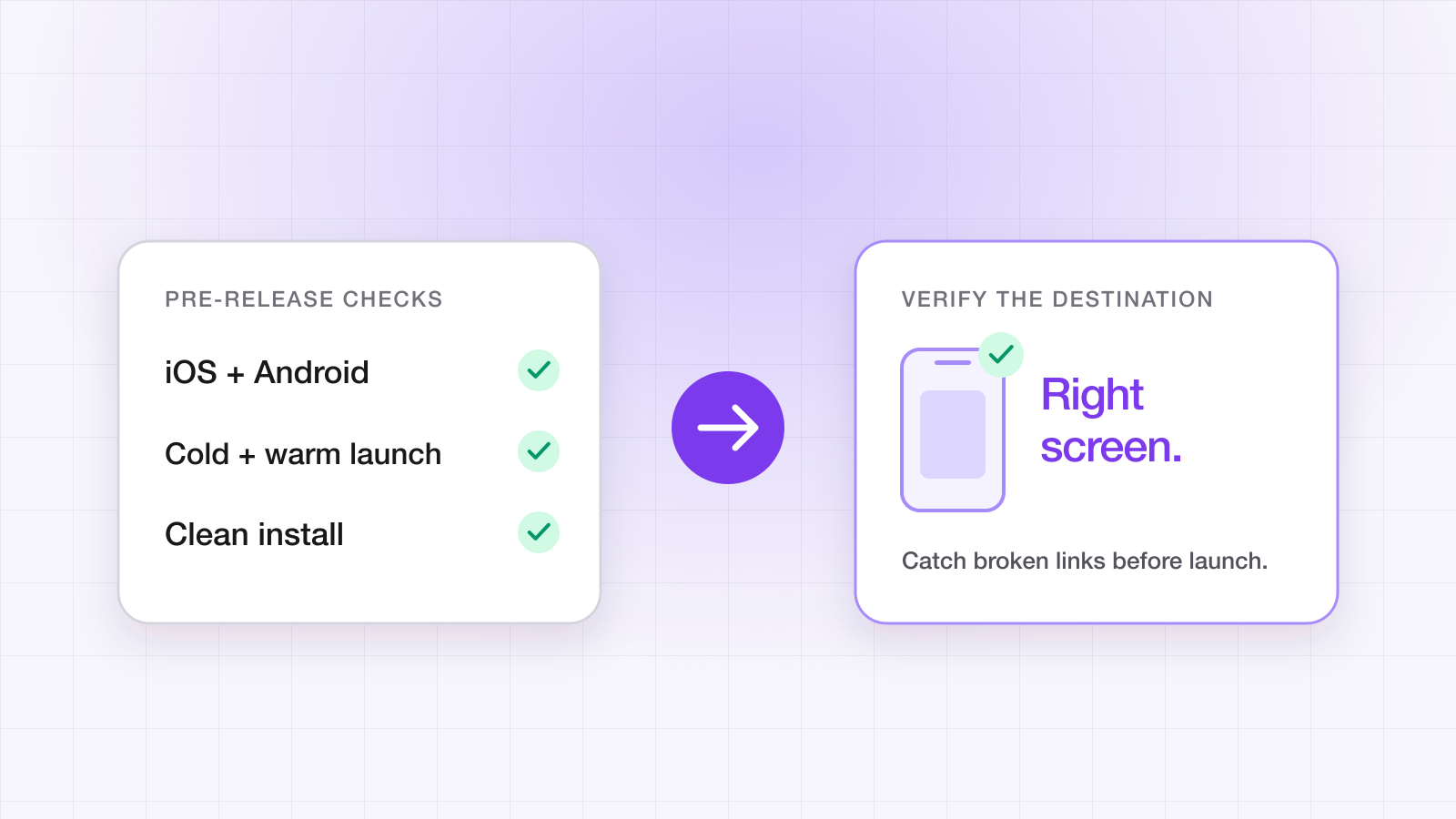
The pre-release checklist
- 1The validator passes for every link domain you use.
- 2On Android, pm get-app-links reports the domain verified on a release-signed build.
- 3On iOS, a link tapped in Notes opens the TestFlight build, not Safari.
- 4With the app installed, each kind of link lands on the right screen with its payload intact.
- 5With the app uninstalled, a fresh install on each platform lands on the linked screen — through a Play testing track on Android.
- 6Links tapped in an in-app browser, and on desktop, reach a fallback that makes sense.
- 7onError stays silent for a full run, and the SDK log shows each match.
- 8The same checks pass on the oldest iOS and Android versions you support.
- 9resetForTesting and ?mode=developer are gone from the release build.
Every item above has a longer answer in the troubleshooting guide, and the App Links vs Universal Links setup guide covers the association files in depth. If the terms themselves are new, start with what deep linking is.
Ahsan Ali
Writes about deep linking & attribution
Ahsan Ali works with the teams integrating LinkTrail's iOS, Android, React Native, and Flutter SDKs, which is where most of what he writes here starts: deferred deep linking, install attribution after ATT, and the parts of the mobile growth stack the category tends to leave vague.