Why Universal Links fail in Instagram, TikTok and other in-app browsers
Your Universal Link opens the app from Notes but not from an Instagram DM. Why in-app browsers swallow links, how to confirm it, and the fixes that work.
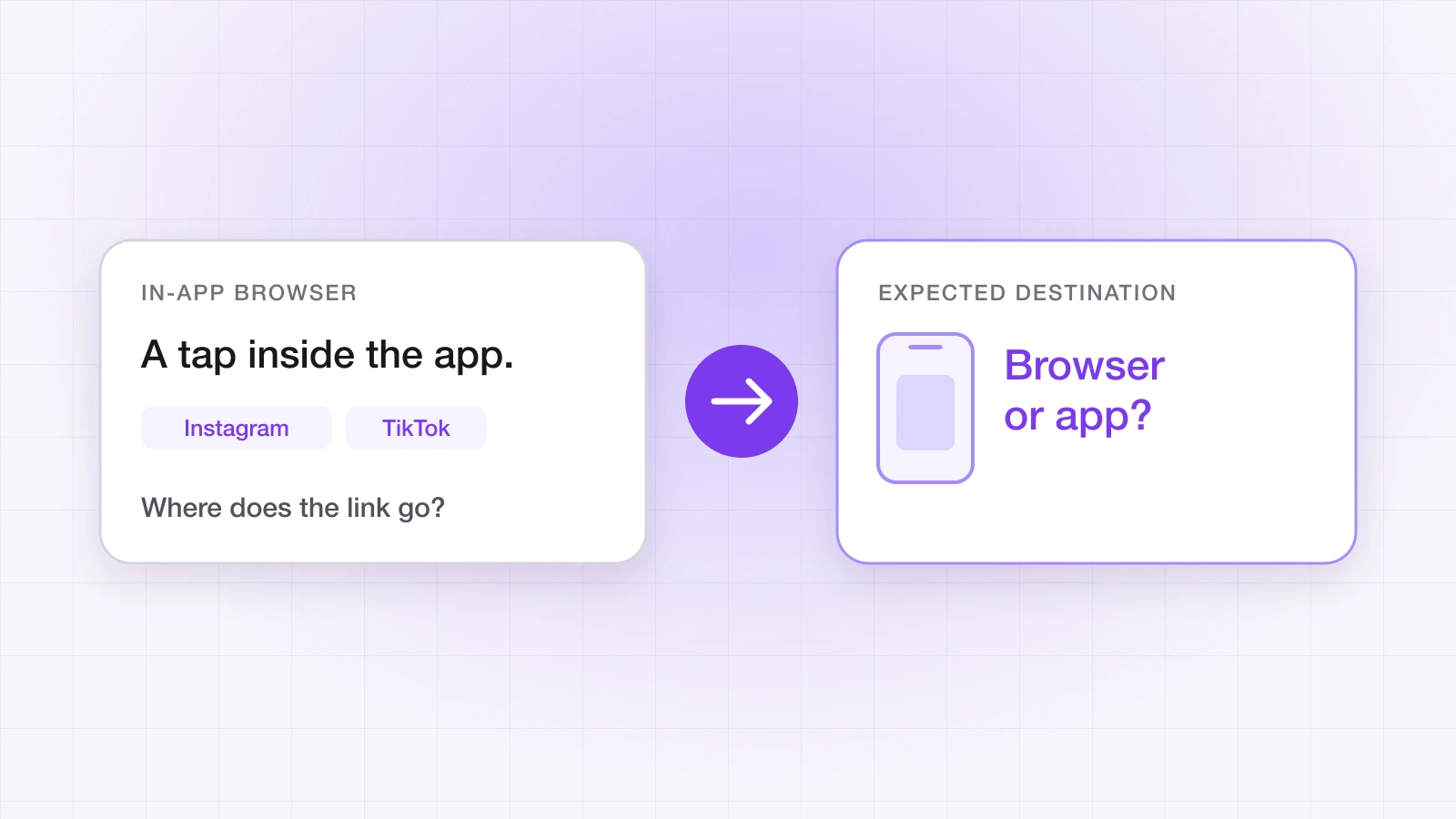
Your Universal Links work. You tested them: they open the app, land on the right screen and carry their parameters. Then a user taps your link in an Instagram DM and gets a web page instead of your app.
That usually isn't a configuration error. Your apple-app-site-association file and your entitlements can be exactly right. The problem is where the link was tapped — inside something that looks like a browser but never tells iOS about the URL.
“A Universal Link that opens the app from Messages but not from Instagram isn't broken. It is hitting the in-app browser, and the fix lives at the routing layer, not in your configuration.”
Why do in-app browsers break Universal Links?
Universal Links are routed by the operating system. When a user taps a link in an app that hands the URL to iOS — Messages, Notes, Mail — iOS checks whether the domain belongs to an installed app, using the association file it verified earlier, and opens the app instead of the page. That decision happens before any web page loads.
Many social and messaging apps don't hand the URL over. They open it in their own embedded web view, running inside their own process, so iOS never gets the chance to route it. The link loads as an ordinary web page, and your app never hears about it. Two related cases catch people out in testing too: typing or pasting a URL into Safari's address bar never opens an app, and tapping a link to the same domain you're already browsing in Safari stays in Safari.
Which apps are affected?
Behaviour varies by app, platform and version, and apps change it without notice, so treat this as a list of places to test rather than a guarantee:
| Where the link is tapped | What usually happens on iOS |
|---|---|
| Messages, Notes, Mail | Handed to iOS — Universal Links open the app |
| Instagram, Facebook, TikTok | Opened in the app's own in-app browser — Universal Links usually don't fire |
| LinkedIn, X and other social apps | Often an in-app browser — test before a campaign |
| Gmail and other email apps | Depends on the app and the user's browser settings — test your actual audience's clients |
| Safari address bar | Never opens an app, by design |
On Android the picture is better but not perfect. App Links resolve through intents, and many apps open links through Chrome Custom Tabs or hand them to the system, which respects verified App Links. Apps that render links in their own WebView can still keep the link inside the app.
How do you confirm an in-app browser is the cause?
Before building a fix, prove where the failure is. Send yourself the link and tap it twice on a real device with the app installed: once in Messages, once inside the app your campaign runs in. If Messages opens the app and the other app shows a web page, your Universal Link setup is fine. If both fail, the problem is your association files — run them through the Universal Links validator first.
On your fallback page, the user agent tells you which in-app browser a visit came from. Log it while you investigate:
// On the fallback page: which in-app browser is this?
console.log(navigator.userAgent);FBANorFBAV— Facebook's in-app browserInstagram— Instagram's in-app browsermusical_lyorTikTok— TikTok's in-app browserLinkedInApp— LinkedIn's in-app browserGSA— the Google app on iOS
User agents are a diagnostic, not a contract. Apps change them, so don't build routing that depends on an exact string.
What are the fixes that work?
No single fix covers every case. Which one fits depends on the traffic source and on whether the person is likely to have the app already.
1. Try your custom scheme from the fallback page
When the Universal Link doesn't fire and the fallback page loads, the page can try to open the app through its custom URL scheme, and fall through to the web or the store if nothing happens:
// On the fallback page: try the app, then fall back
const appUrl = 'yourapp://product/123';
const fallbackUrl = 'https://yourapp.com/product/123';

window.location.href = appUrl;

setTimeout(() => {
  window.location.href = fallbackUrl;
}, 1500);
It's a workaround, not a guarantee. iOS asks the user to confirm before a web page opens an app, some in-app browsers block custom schemes outright, and a custom scheme does nothing for someone who doesn't have the app yet.
2. Use a smart link that carries the destination
A smart link keeps the destination on the server rather than depending on the OS to route the tap. When the link opens inside an in-app browser, its hosted fallback page can still route onward through your app's custom scheme. When the app isn't installed, the link sends the user to the right store and holds the destination so the first open lands on it — deferred deep linking.
That is how LinkTrail links work: the routing logic lives with the link, so the behaviour is the same whichever app the tap came from, and the deferred path doesn't depend on the in-app browser at all. How LinkTrail routes a link walks through each case.
3. Ask the user to open the link in their browser
For flows where getting into a real browser session matters more than a little friction — sign-in, email confirmation, a referral you need to credit — a visible prompt is legitimate. It isn't elegant, but it's honest, and it works:
<!-- Shown only inside common in-app browsers -->
<div id="iab-banner" hidden>
  For the best experience, open this page in your browser — tap ··· and choose Open in browser.
</div>

<script>
  if (/Instagram|FBAN|FBAV|TikTok/.test(navigator.userAgent)) {
    document.getElementById('iab-banner').hidden = false;
  }
</script>
Which fix should you use?
- Paid social (Instagram, TikTok, Facebook): a smart link with deferred deep linking as the destination, so new users land in the right place after installing and existing users are routed onward from the fallback page.
- Email: a smart link, plus the custom-scheme attempt on the fallback page for clients that keep links in an in-app browser.
- Sign-in, confirmation and referral flows: the open-in-browser prompt, with the custom-scheme attempt as a backup.
What this means for your campaigns
If a campaign runs through Instagram or TikTok and its destination is a plain Universal Link, part of the audience is landing on a web page instead of the app — and it won't show up as a deep link failure. It shows up as a lower post-click conversion rate that nobody can explain, because every test was done in Messages or Safari.
Test campaign links where the campaign actually runs: tap them inside the app, on a real device, with and without your app installed. The pre-release testing checklist covers the rest of the matrix.
In-app browsers aren't going away, and the apps that run them have little reason to hand users back to the operating system. Routing that accounts for them is the durable fix.
Ahsan Ali
Writes about deep linking & attribution
Ahsan Ali works with the teams integrating LinkTrail's iOS, Android, React Native, and Flutter SDKs, which is where most of what he writes here starts: deferred deep linking, install attribution after ATT, and the parts of the mobile growth stack the category tends to leave vague.