How to set up deferred deep linking on Android
On Android, the Play Install Referrer carries a deferred deep link through the store. App Links, the SDK, consent, and testing it end to end.
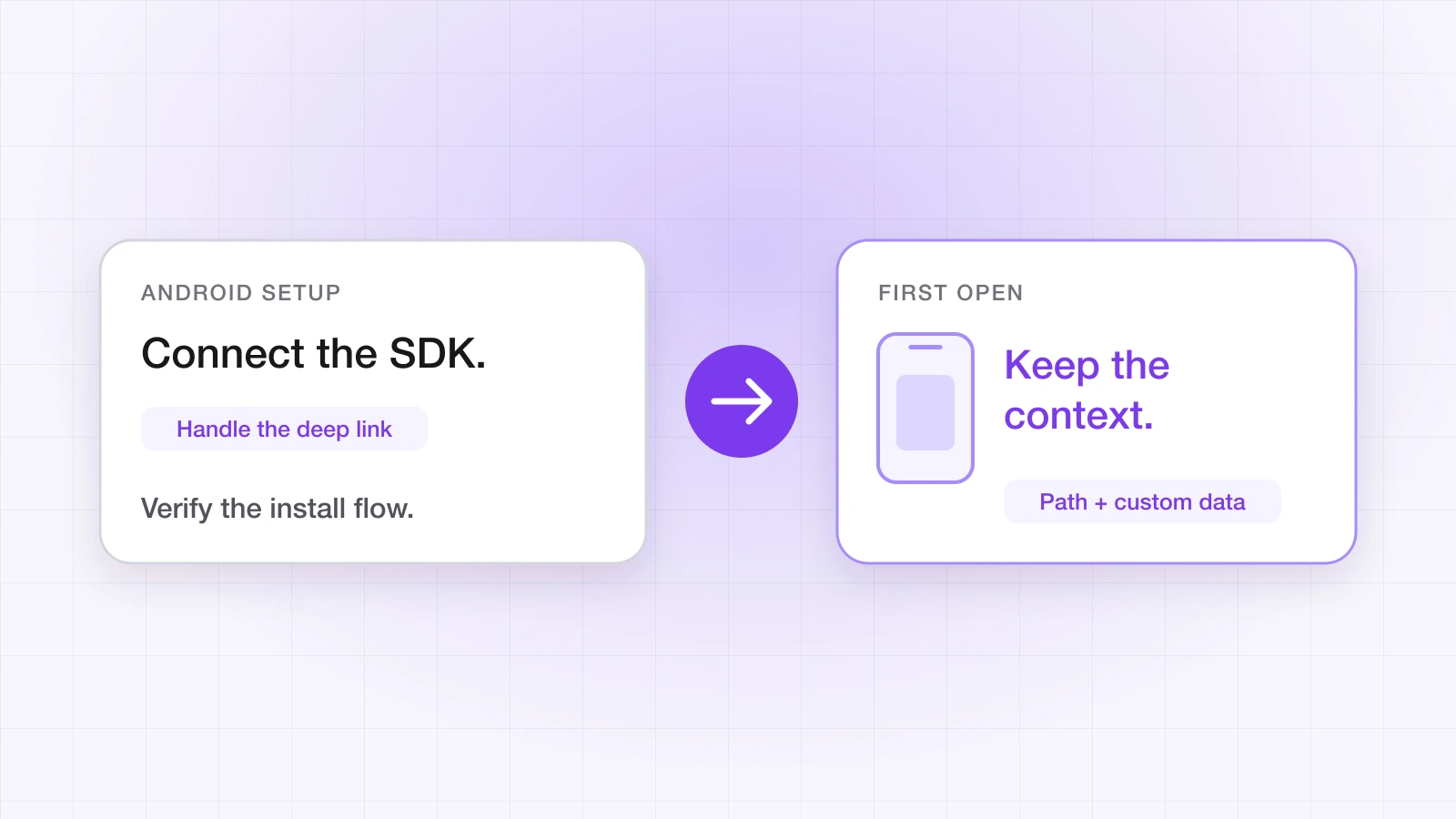
A user taps your link, installs your app from Google Play, and the first open lands on the product, invite or offer the link was about. That's deferred deep linking — and Android makes it easier than iOS, because Google Play can carry information from the link through the install.
This guide covers the whole path on Android with LinkTrail's SDK: verified App Links, the code, consent, and testing it end to end.
How does the link survive the install on Android?
When the tapped link sends a user to Google Play, it attaches a referrer. After the install, the app can read that referrer through the Play Install Referrer API, and LinkTrail's SDK does this for you on first launch. Because the referrer comes through the store itself, the match to the click is deterministic — no guessing from device characteristics.
The catch is that it only exists for installs that came through Google Play. That matters when you test.
What do you need before you start?
- Your app registered in the LinkTrail dashboard (Apps → Register app) with its package name and every SHA-256 signing fingerprint you ship under — including the Play App Signing key.
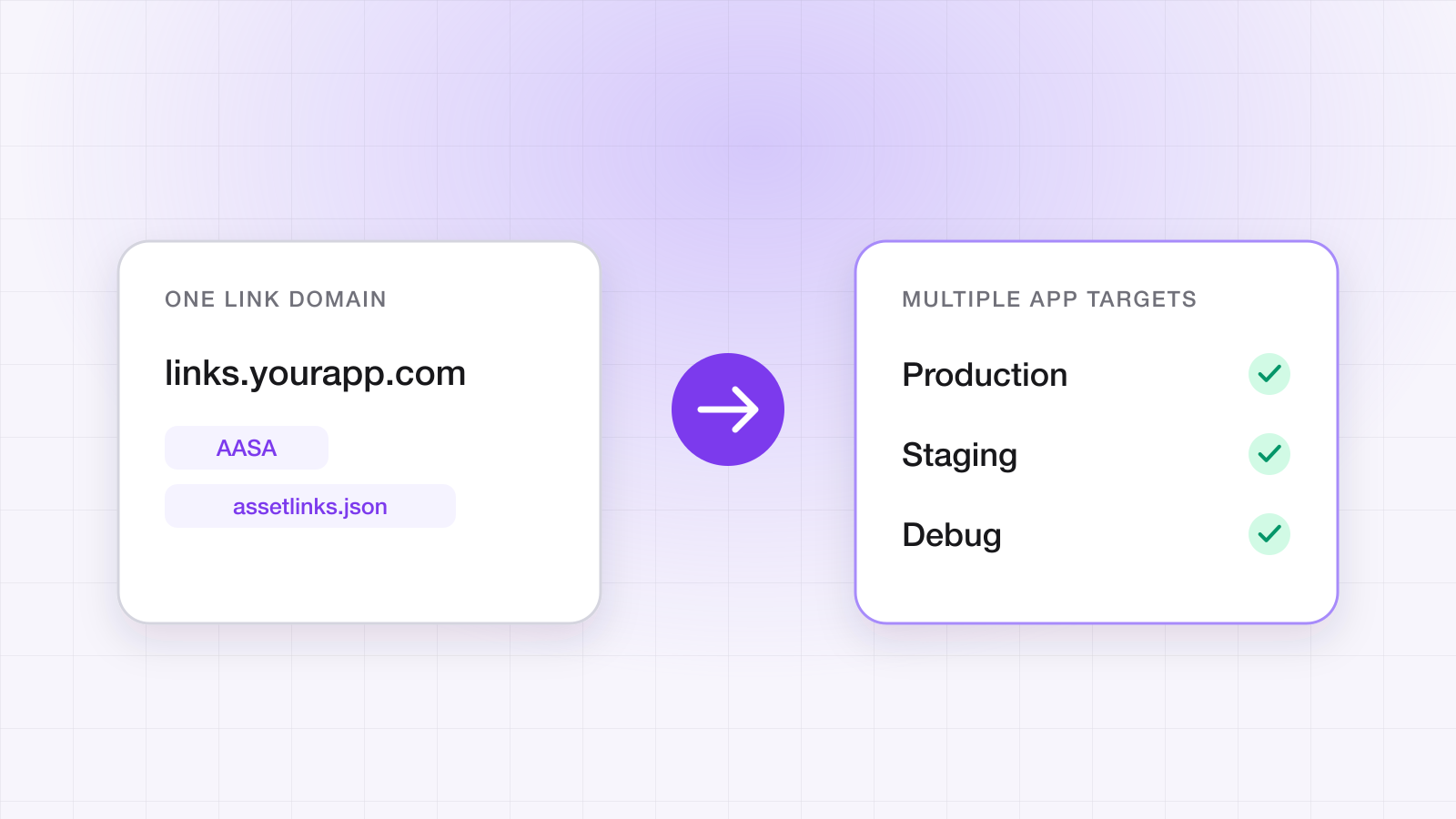
- A link domain — your free *.linktrail.io subdomain or a custom domain. LinkTrail generates and hosts assetlinks.json for it.
- An API key (Settings → API Keys).
- minSdk 26 or higher.
Step 1: Register every signing fingerprint
App Links only open your app if the domain's assetlinks.json lists the fingerprint of the key that signed the installed build. Google re-signs Play Store builds with its own app signing key, so the fingerprint on users' devices is one you never see locally — take it from the app signing page in the Play Console. Add your upload key for sideloaded builds and each developer's debug key if you test App Links on debug builds. The App Credentials guide shows where to find each value.
Step 2: Declare the App Links intent filter
In AndroidManifest.xml, on the activity that should receive links, declare your link domain with autoVerify so Android verifies it:
<intent-filter android:autoVerify="true">
    <action android:name="android.intent.action.VIEW" />
    <category android:name="android.intent.category.DEFAULT" />
    <category android:name="android.intent.category.BROWSABLE" />
    <data android:scheme="https" android:host="yourapp.linktrail.io" />
</intent-filter>
Step 3: Add the SDK and handle links
The SDK is on Maven Central — the Android SDK page has the dependency line. Configure it in Application.onCreate() and register one handler. The same onLink callback fires for deferred links on first launch and for links opened while the app is installed:
import io.linktrail.LinkTrail

class App : Application() {
    override fun onCreate() {
        super.onCreate()
        // The API key is required — a blank key throws.
        LinkTrail.configure(context = this, apiKey = "lt_live_...")

        LinkTrail.shared?.onLink { link, source ->
            router.route(link.path, link.customData)
        }
        LinkTrail.shared?.onError { error ->
            // An invalid key arrives here, not from configure — log it while testing
        }
    }
}
Step 4: Forward links from your Activity
Pass incoming links to the SDK from both entry points — the cold start and the case where the app is already running:
override fun onCreate(savedInstanceState: Bundle?) {
    super.onCreate(savedInstanceState)
    LinkTrail.shared?.handleDeepLink(intent?.data)
}

override fun onNewIntent(intent: Intent) {   // app already running
    super.onNewIntent(intent)
    setIntent(intent)                        // keep getIntent() current
    LinkTrail.shared?.handleDeepLink(intent.data)
}
Step 5: Resolve consent
Consent gating is on by default, and on Android it's deny-by-default: a fresh install is held until your app calls setConsent, and only then does the deferred link route. Granting attributes the install; denying still routes the user to the right screen but records nothing. Re-engagement links — the app already installed — route regardless.
LinkTrail.shared?.setConsent(true)   // route + attribute, flush queued events
LinkTrail.shared?.setConsent(false)  // route only, record nothing
Call it on every path out of your consent prompt, including the one where the user dismisses it. A build that never calls setConsent will hold every deferred link, and look broken.
How do you test it?
Start with verification, because no amount of app code helps if the domain isn't verified. On Android 12 and later you can ask the device what it decided:
adb shell pm get-app-links your.package.name        # your domain should be verified
adb shell pm verify-app-links --re-verify your.package.name
Then test the deferred path the way a user meets it:
- 1Upload the build to a Play testing track (internal testing works).
- 2Uninstall the app from the test device.
- 3Tap your link from another app — Messages or Notes, not the browser's address bar.
- 4Install from Google Play and open the app. It should land on the linked screen once consent is resolved.
A build installed from Android Studio or with adb install has no Install Referrer, so it can't test the deferred path. To repeat runs without reinstalling, call LinkTrail.resetForTesting(context) in debug builds only — it makes the next launch behave like a first launch. For live logs, enable LinkTrailOptions(logEnabled = true) and run adb logcat -s LinkTrail.
Why isn't it working?
- Links open the browser. The domain isn't verified — almost always a missing fingerprint, most often the Play App Signing key. Check with pm get-app-links and the Universal Links validator, which checks assetlinks.json too.
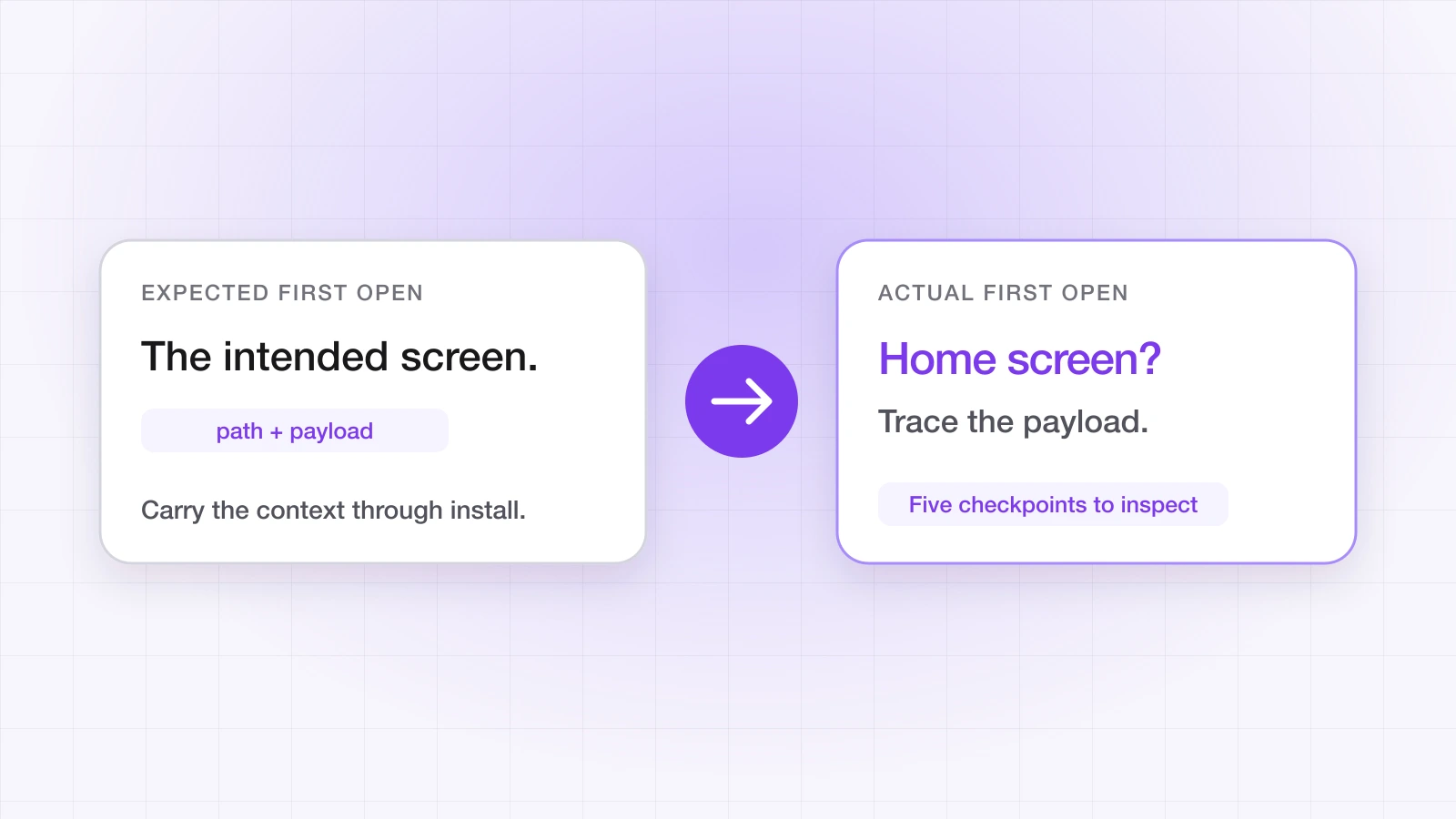
- New installs open on the home screen. The install didn't come through Google Play, or setConsent was never called.
- Existing users land on the home screen. onNewIntent isn't forwarding the link, or linkDomains is set without every link host listed.
- Nothing happens. Check onError for an invalid API key.
Setting up iOS too? There's no install referrer on iOS, so the deferred path works differently — see the iOS SDK guide. The pre-release testing checklist covers both platforms.
Ahsan Ali
Writes about deep linking & attribution
Ahsan Ali works with the teams integrating LinkTrail's iOS, Android, React Native, and Flutter SDKs, which is where most of what he writes here starts: deferred deep linking, install attribution after ATT, and the parts of the mobile growth stack the category tends to leave vague.